
Adding Dynamic Resources
A Dynamic resource lets you enter text directly into a copilot without uploading a file — useful for notes, procedures, and other product information that has no source document. The editor can also be used as a coding interface to pull content from an external website.
What you will need:
- The product information you want to enter, such as notes
Adding a Dynamic Resource
Follow these steps to add a Dynamic resource:
-
In the Manage portal, select the copilot you want to add resources to.
-
Open the Resources tab.
-
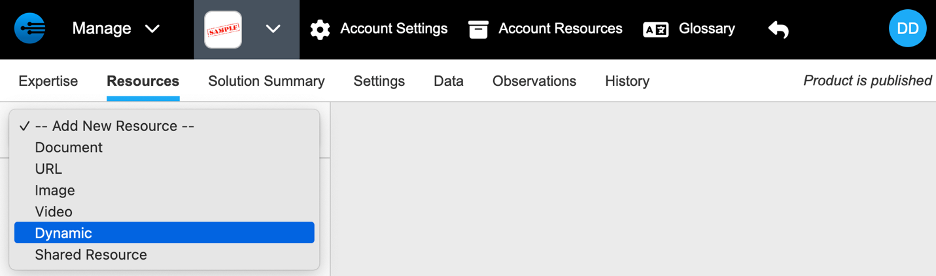
Select -- Add New Resource -- > Dynamic.
-
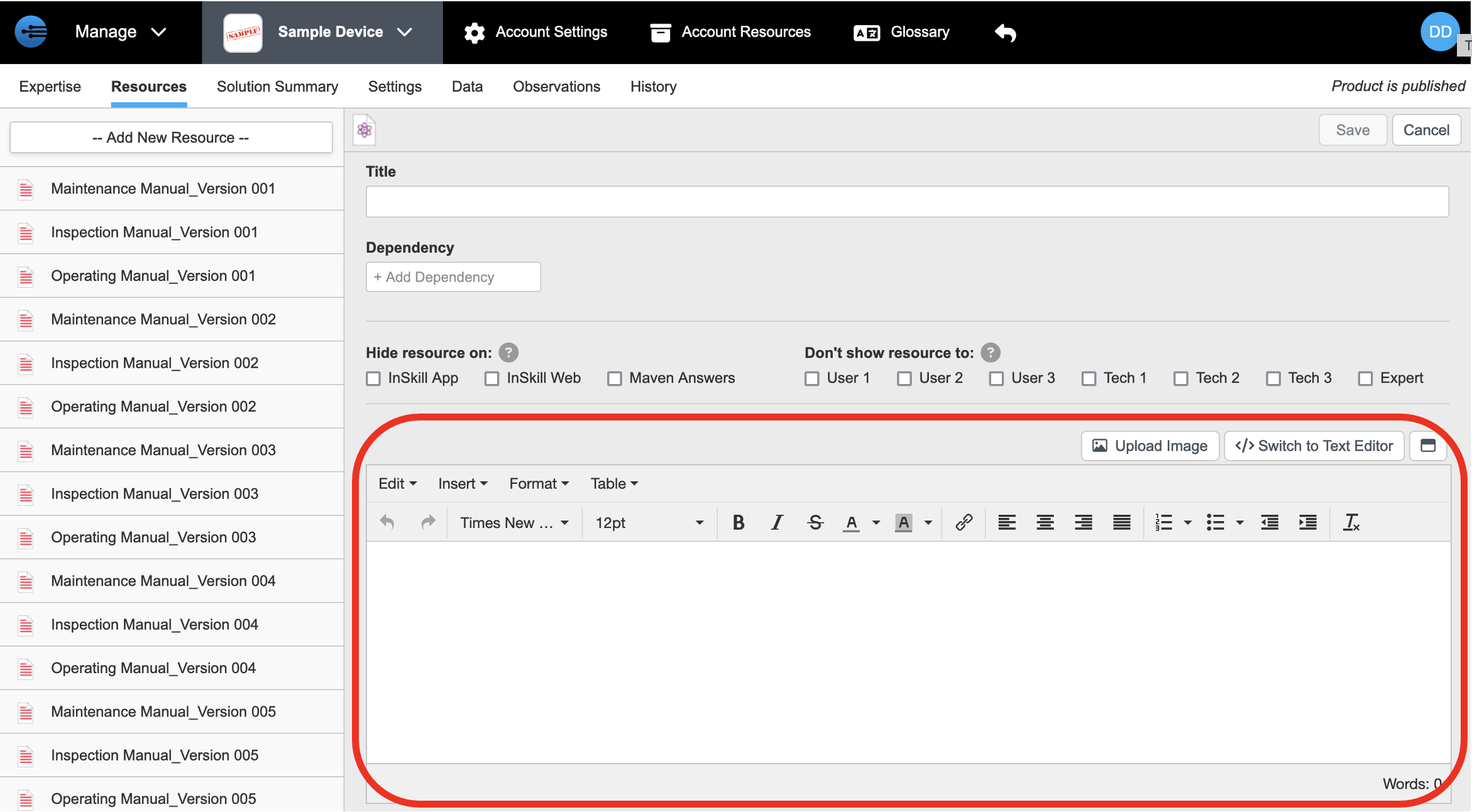
Enter your text in the editor.
-
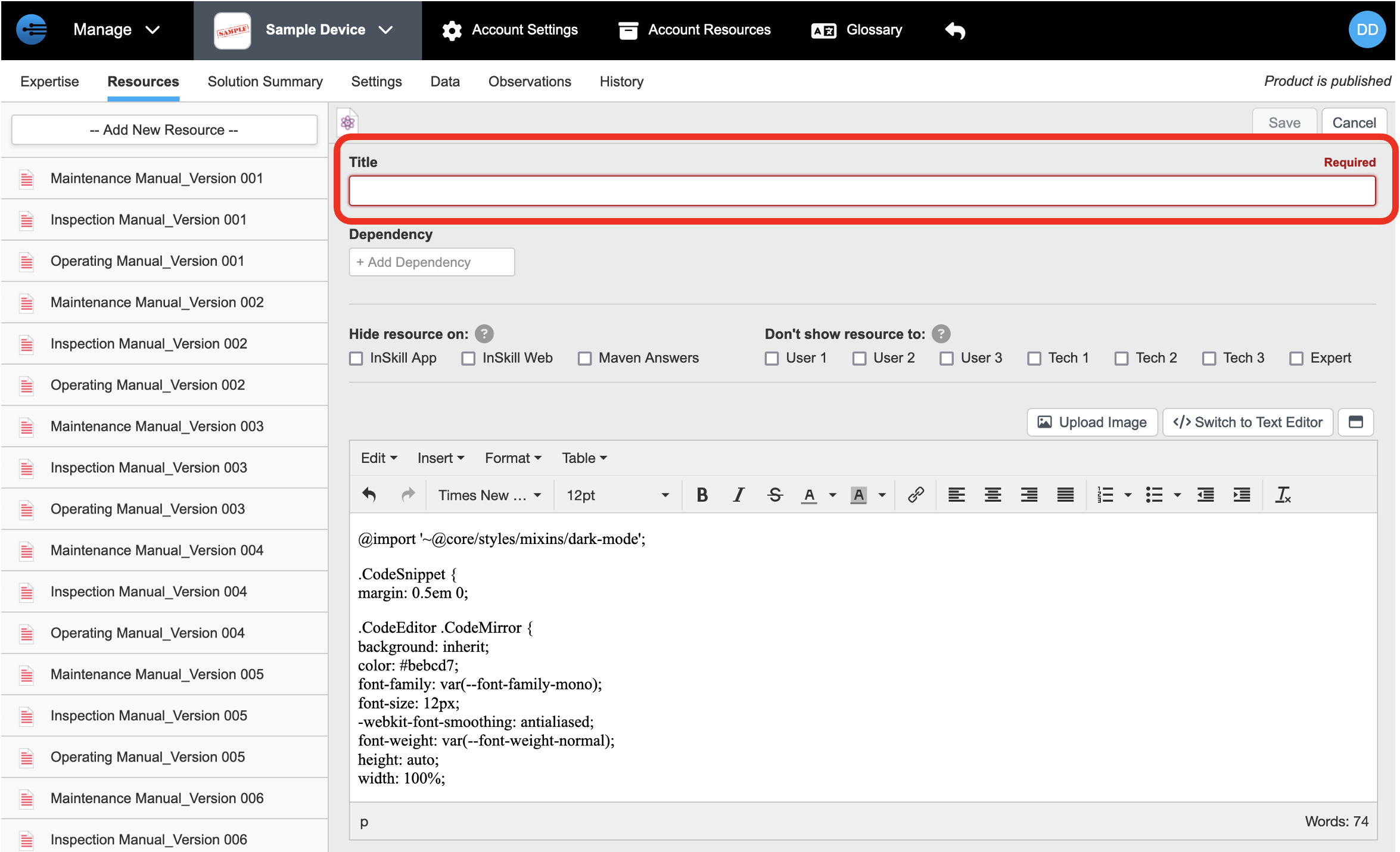
Enter a title that describes the content.
-
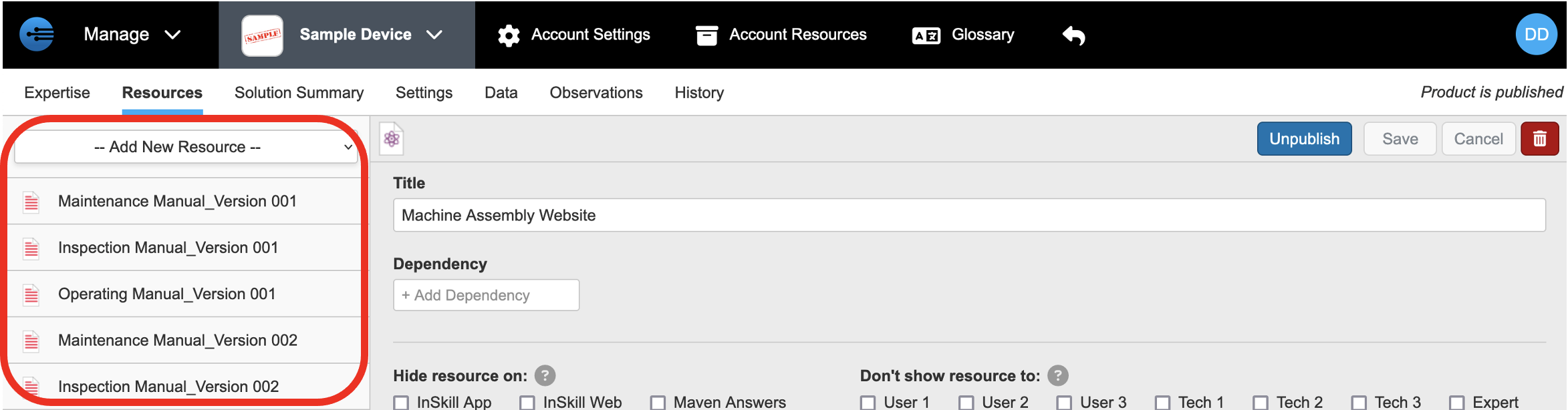
Click Save. The resource appears in the resource list on the left.

Updated 2 months ago