
Creating Assets
What you will need:
- Product Serial Number
- Location of Product
You are now ready to begin creating assets from your copilots. While a product represents a general model or family of devices, an asset corresponds to a specific, real-world instance of that product. Because an asset reflects an actual piece of equipment, it maintains its own data, configuration details, and a history of tasks performed on it. Building your system with well-defined assets enables comprehensive equipment organization and provides detailed insight into usage, performance, and operational history.
Create an Asset
- To begin go to Assets tab found on the top left drop-down arrow
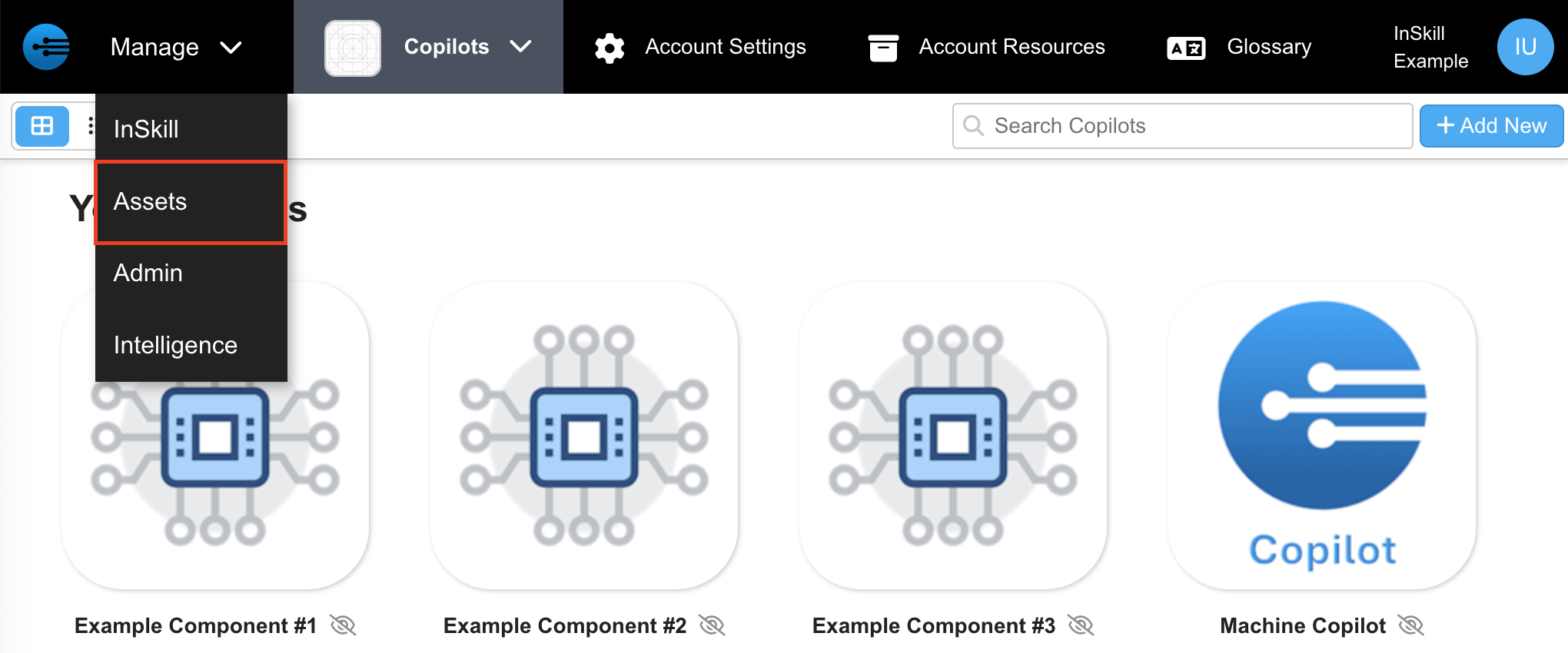
- Press "+ Add New" in the top right corner

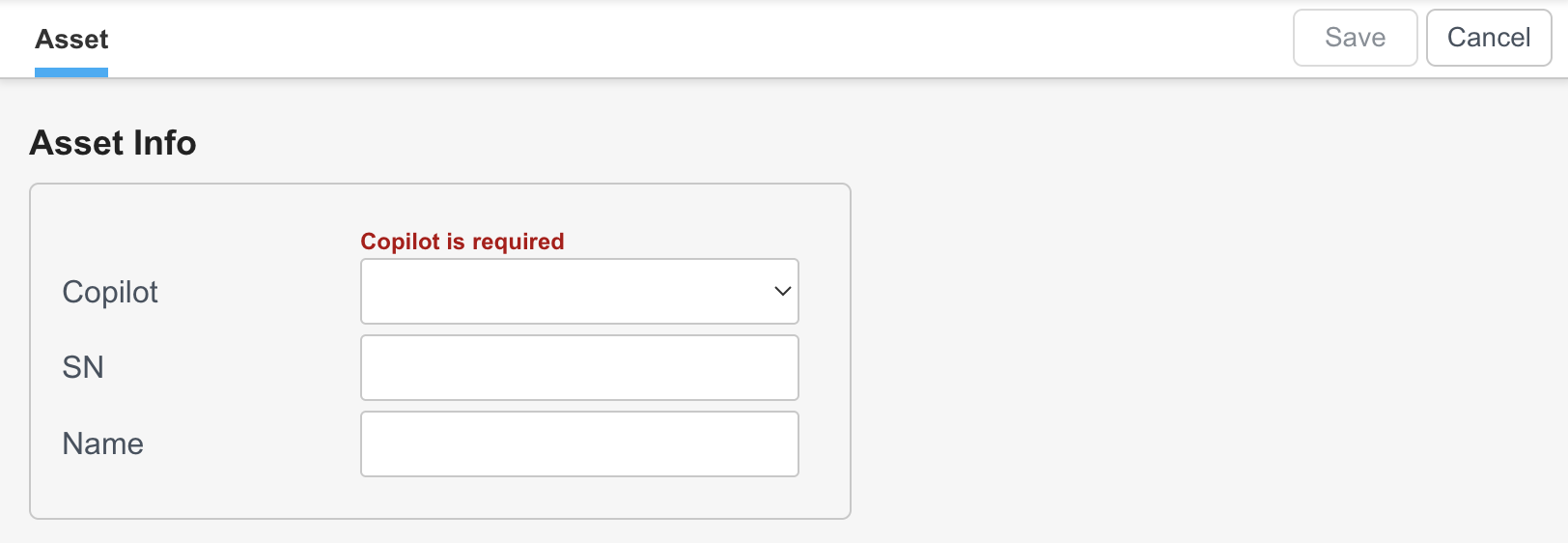
- Here the asset information such as serial number (SN) and name can be correlated to a particular product.
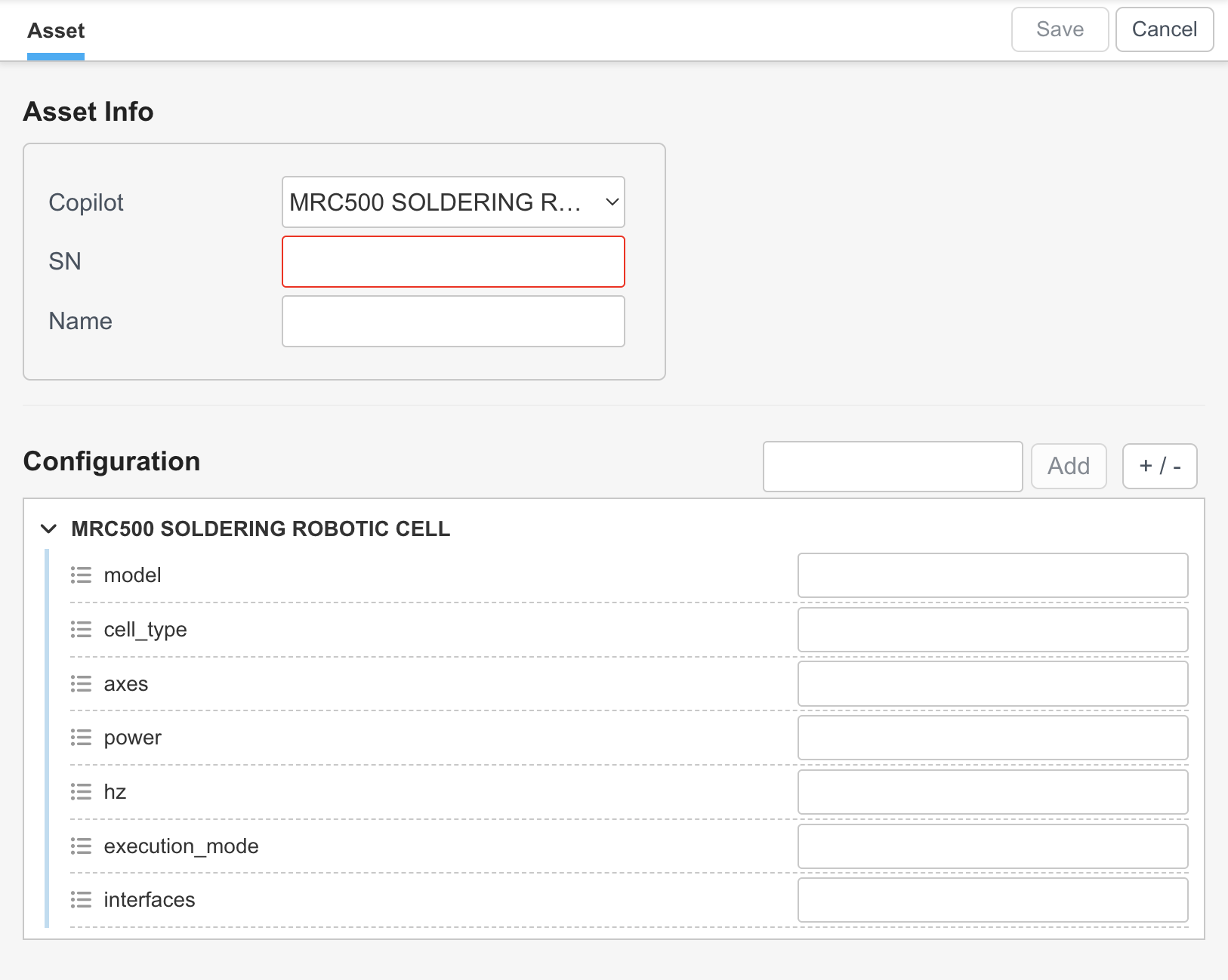
- Assets can be configured by assigning variables and defining them in this space
Updated about 2 months ago