
Types of Tasks
InSkill digitizes interactions with equipment through Tasks applied to Assets. Let's talk about some examples and how InSkill does it. We'll start with the simple cases and build up from there.
Say we make 3D printers, or CNC machines, pumps, lasers, etc. InSkill is most often used to diagnose and fix problems, but also to digitize procedures like maintenance, inspections, rounds and readings. Some organizations still do these things on paper, or in spreadsheets that get sent to someone. By digitizing the interactions, each Asset has a history of what's been done or data collected.
This Diagnose Task shows how to create a simple flow to fix a problem. When your field service or customers use this task to solve their problems, there will be a record of each task, and the successful solutions can be seen in the Intelligence portal.
Procedures are similar but the Steps are not solutions, they are either Information steps, or Observations that ask the user for input. This type of procedure often shows how to replace parts, calibrate, or clean the equipment.
An Inspection Task is a kind of procedure that is done periodically, not in response to a problem.
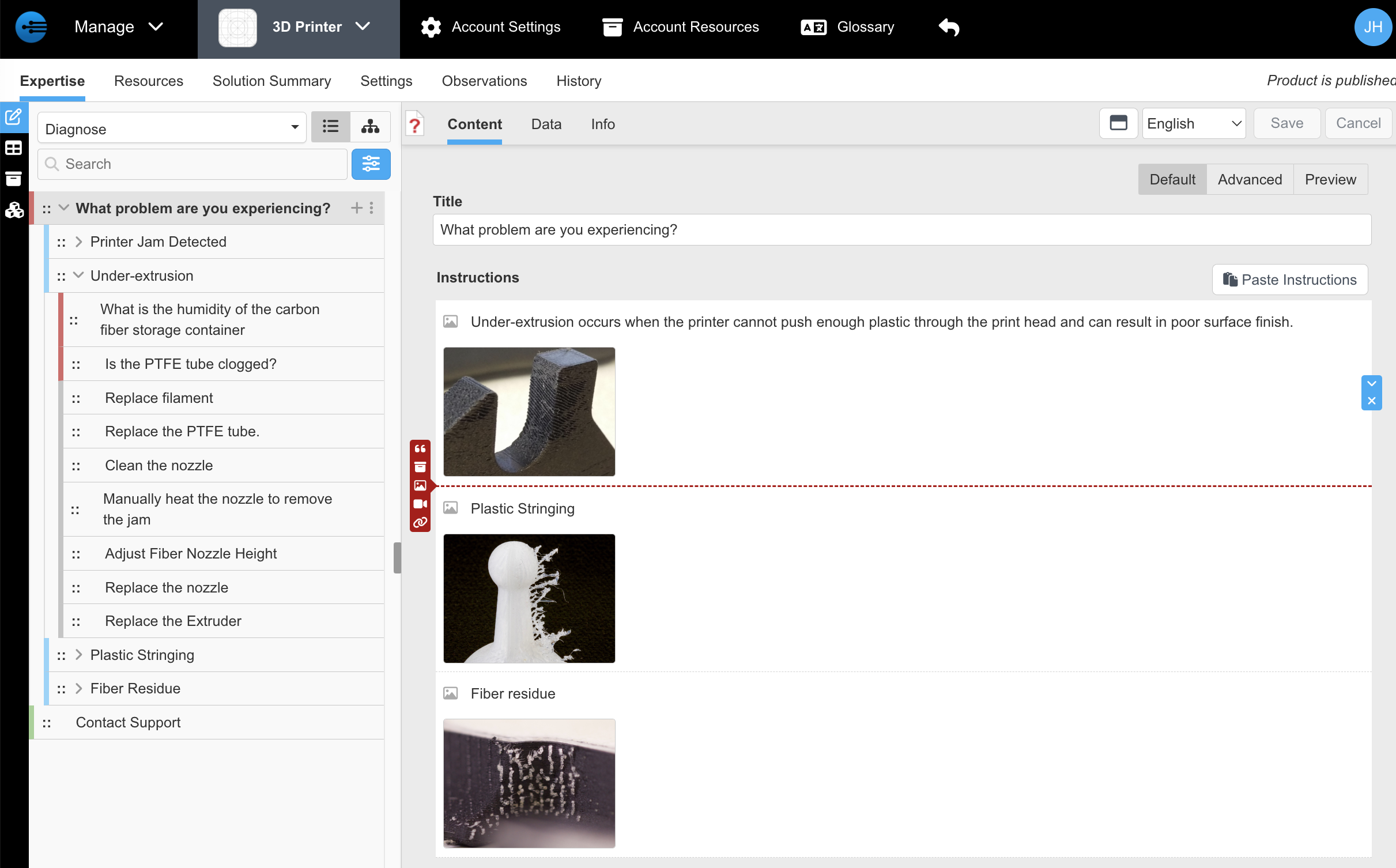
This is the main authoring view where you will edit steps within the task. On the far left the blue icon is Authoring View. The dropdown lists Tasks, select one to edit.
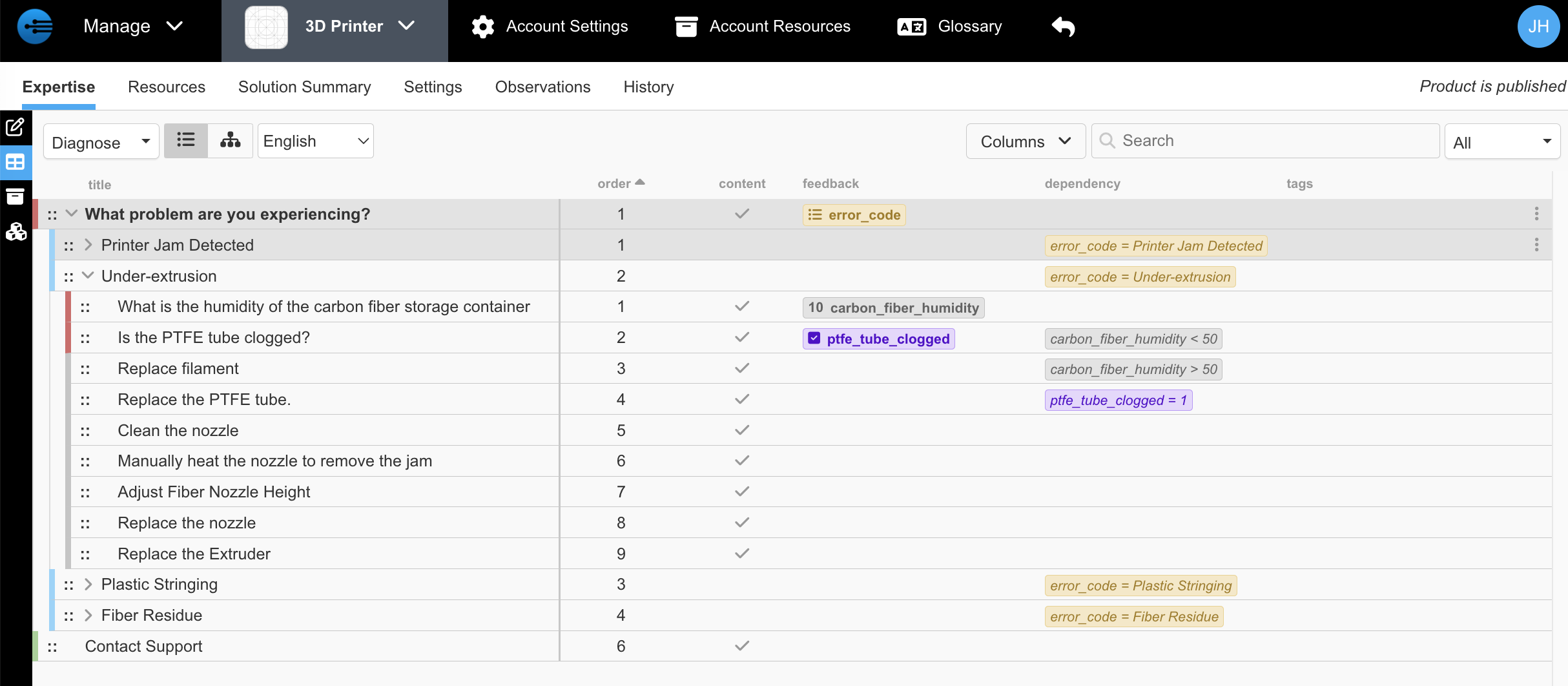
Selecting the Step Explorer icon, this view shows the steps of the task with observations' feedback and the following steps with their dependency. You can see the flow if an observation gets the carbon_fiber_humidity and following steps depend on it to be >50 or <50.
This table view can be used to see other columns as well, and the search can be used to find matching steps.
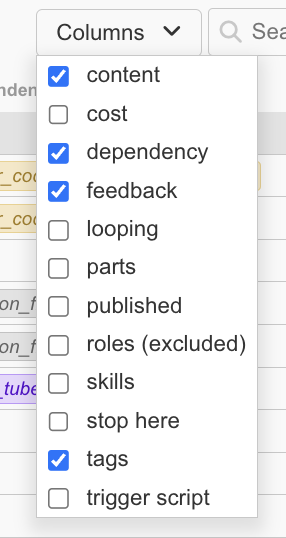
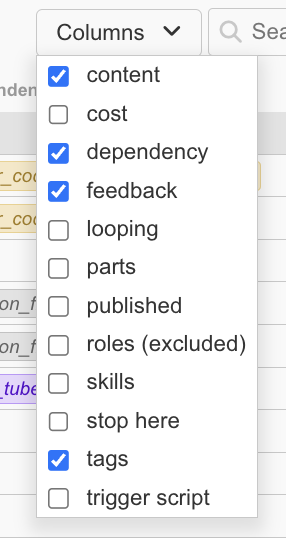
It can also be filtered to see the steps that match
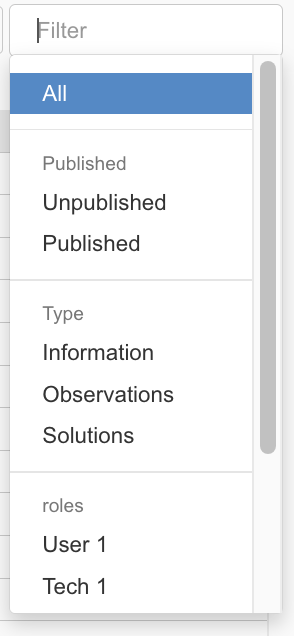
Select the Task List icon on the left to see an overview of all the tasks.
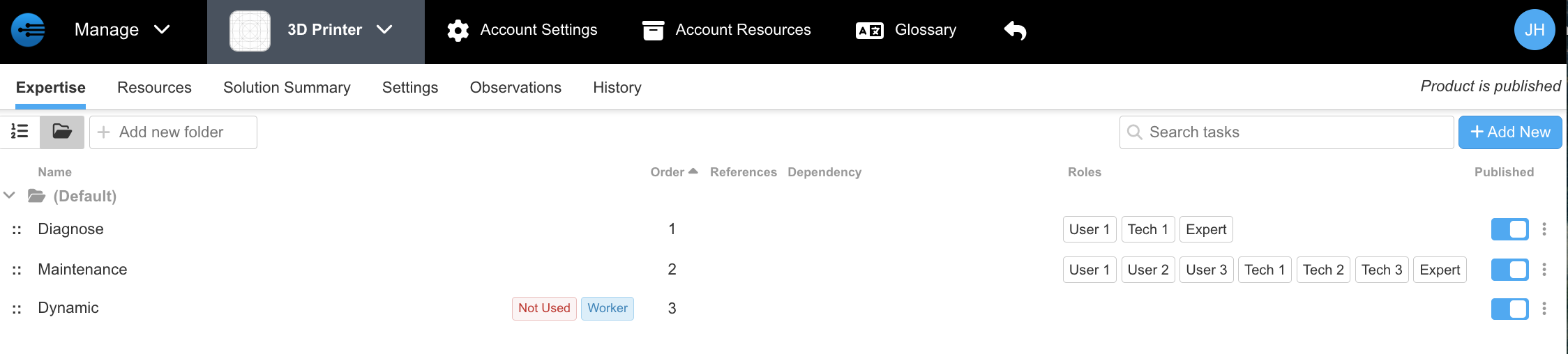
Task List view does the following:
- To reorder tasks, the handle in front of each task is used to drag to a new location in the order. This is the order Tasks will be shown in the mobile app.
- Visibility determines if a Task is visible to a user. User 1, 2, 3 are typically for operators or less trained people. Tech 1, 2, 3 are typically for trained field service.
- Published state controls if the Task is visible to any users. An unpublished Task is hidden.
- References tell you how many times this Task is used in other Tasks (run as a Subtask)
- If a Task has Dependency, it is shown here.
Updated about 2 months ago