
Suppliers
Add a supplier with their access code, read the Suppliers list, and find the copilots and assets you receive.
The Suppliers tab is where a customer receives the copilots and assets a supplier shares with them. For how sharing works from both sides, see Sharing Expertise with Customers.
Adding a Supplier
Follow these steps to add a supplier to your account:
-
In the Admin portal, open the Suppliers tab and click + Add New.
-
Enter the Access Code given to you by your supplier and click Add Supplier. Close hides the form without adding anything.

The new supplier form
NoteThe access code is generated on the supplier's side, on their Customers tab. See Customers.
The Suppliers List
Each supplier added to your account is listed on the Suppliers tab. Use Search suppliers to find one.

The Suppliers tab, listing a supplier
| Column | What it shows |
|---|---|
| Name | The supplier's name and logo. Below the name, whether you may share the supplier's copilots with your own customers — for example, Copilots are Not sharable. |
| Access Code | The code that links your account to the supplier. It is hidden; click the eye icon to show it. |
| Domain | The origin domain where the copilot data is hosted. |
| Languages | The languages the supplier has made available to your team. Select Show more to see the full list. |
| Last Refresh | The last time content was synced. Shared content syncs automatically every night. |
| Actions | Refresh pulls the latest updates immediately. The trash icon removes the supplier from your account. Share GPT shares your team's usage of the supplier's published copilots with the supplier. The usage is anonymized: user identities aren't shared. |
What You Receive
Once the supplier is added, your setup is complete. The copilots and assets the supplier shares appear in your own portals.
Copilots
The Copilots portal lists the copilots you receive under the supplier's name — here, AZ Machine Works Copilots.
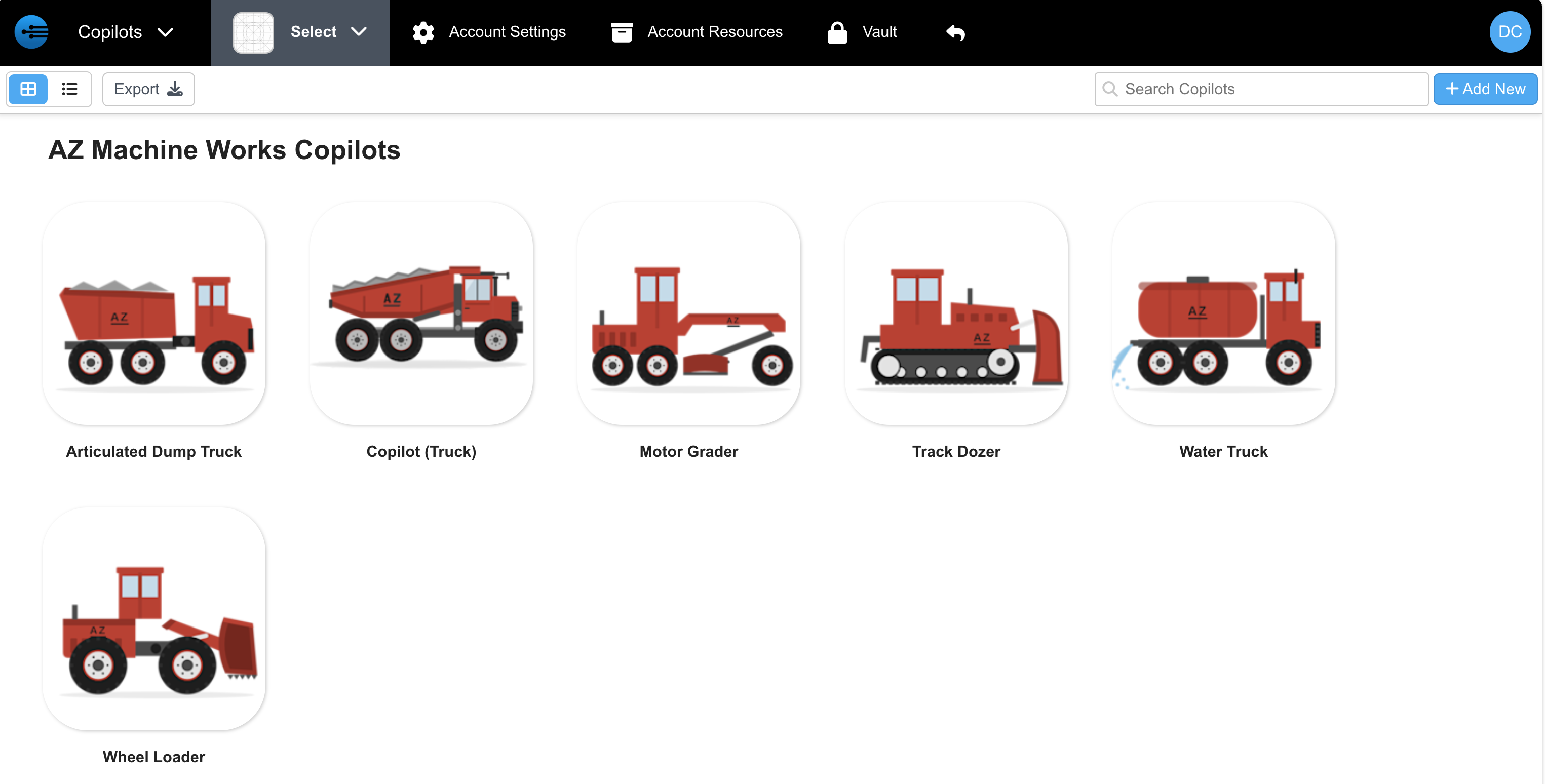
Copilots received from a supplier, in the Copilots portal
Assets
The Assets portal shows the assets you receive. On the Groups tab, select an asset group to see its assets, listed by copilot.
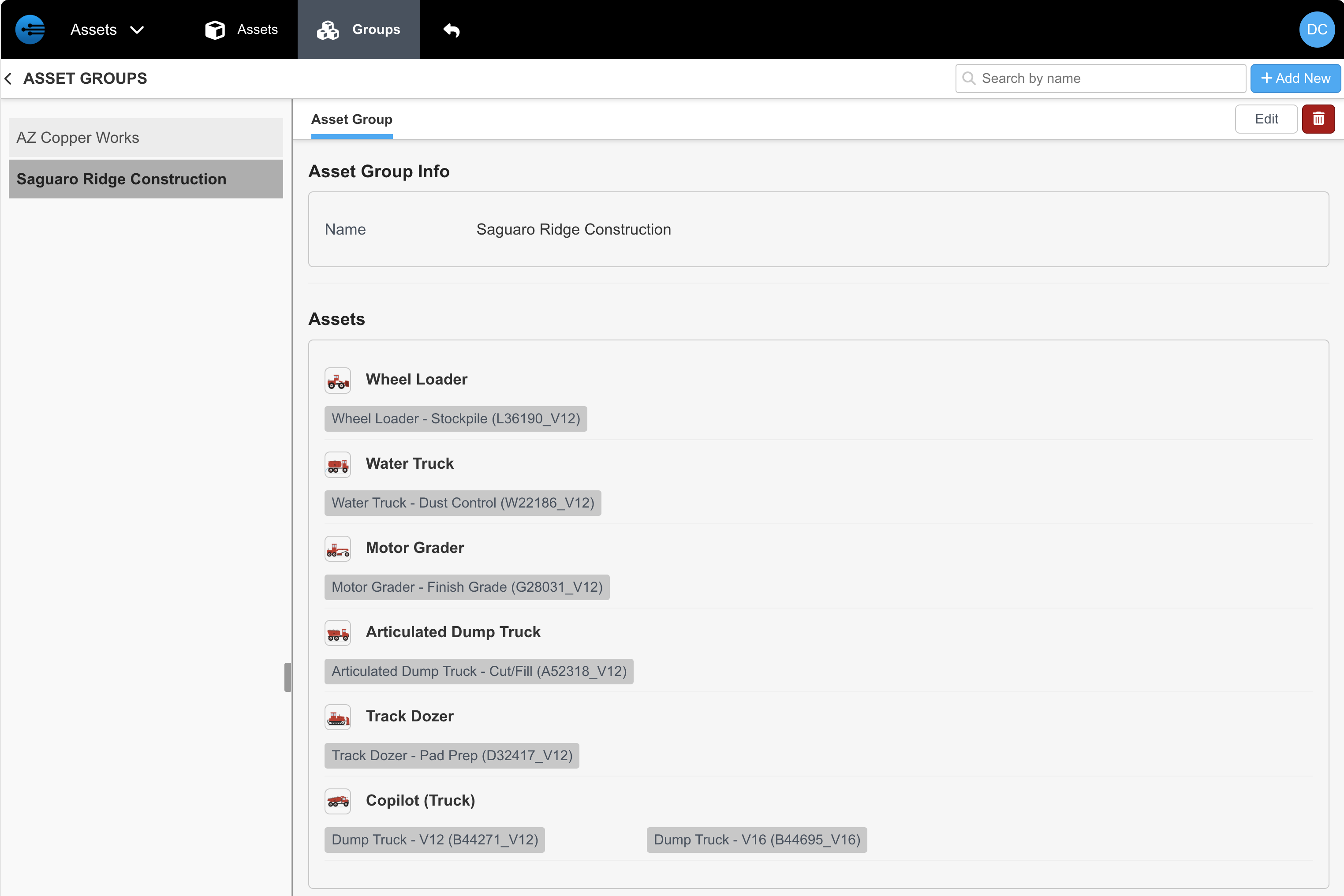
A received asset group in the Assets portal
Updated 3 days ago