
How to Run Session in Mobile Device
This section will teach you how to use InSkill GPT on a mobile device. As in the Escalate Portal, sessions are initiated through a specific copilots portal. This implies that every product is going to have a unique set of tasks associated with it. Please keep in mind that while InSkill has the capability of using its GPT functionality via desktop or mobile app, it is recommended to use the mobile app as it allows for convenient and immediate assistance.
Please follow these instructions to run a session on a mobile device:
- Go to the InSkill mobile app
- Once in the app, you will arrive at the main page of your account
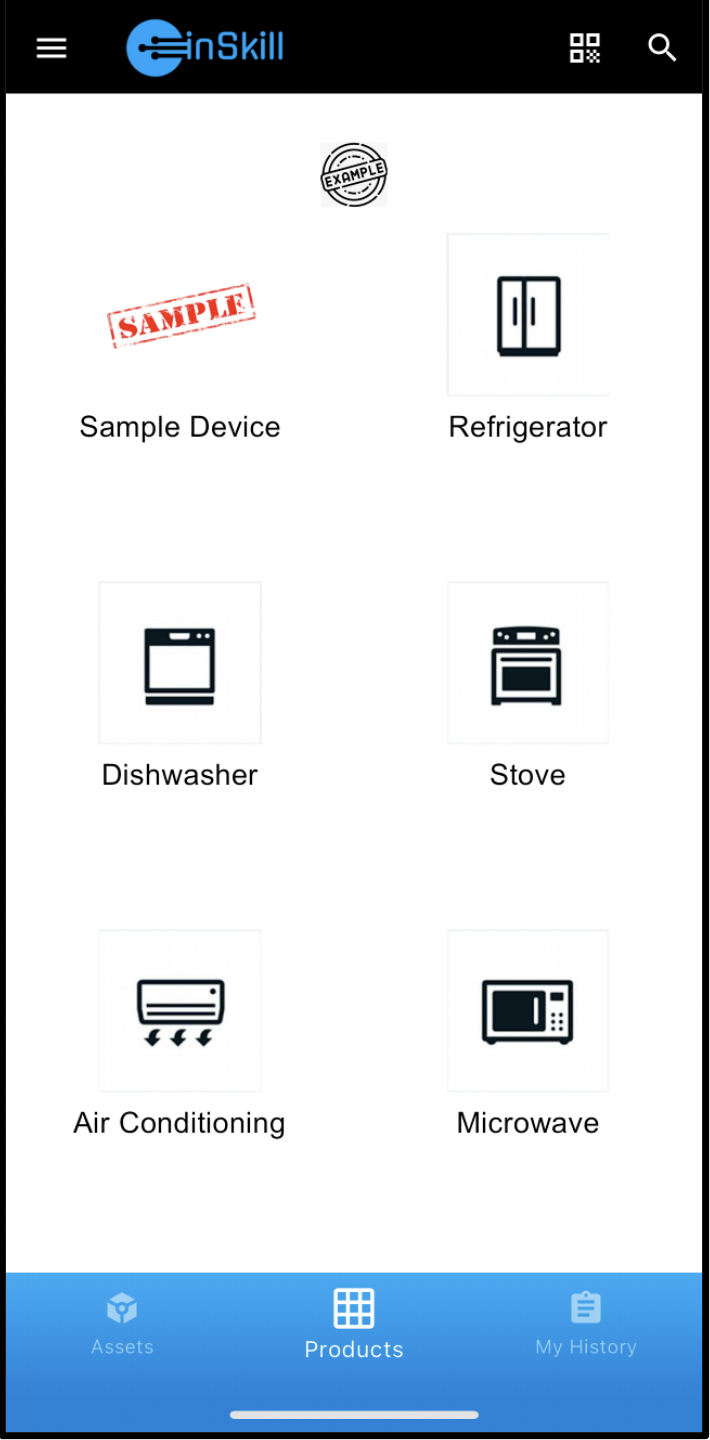
- Choose the copilot from which you want to perform a task under
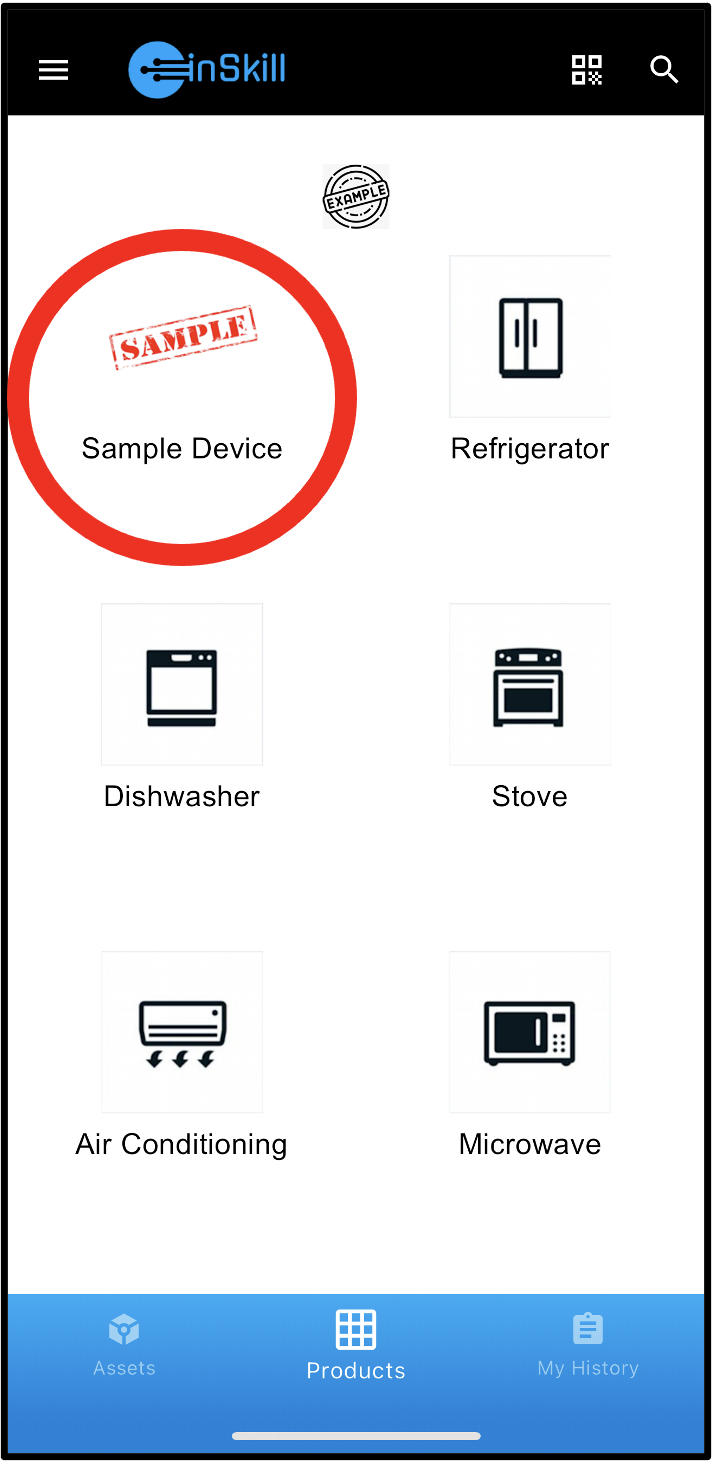
- In the copilots portal, click the task you wish to complete under the “Tasks” section
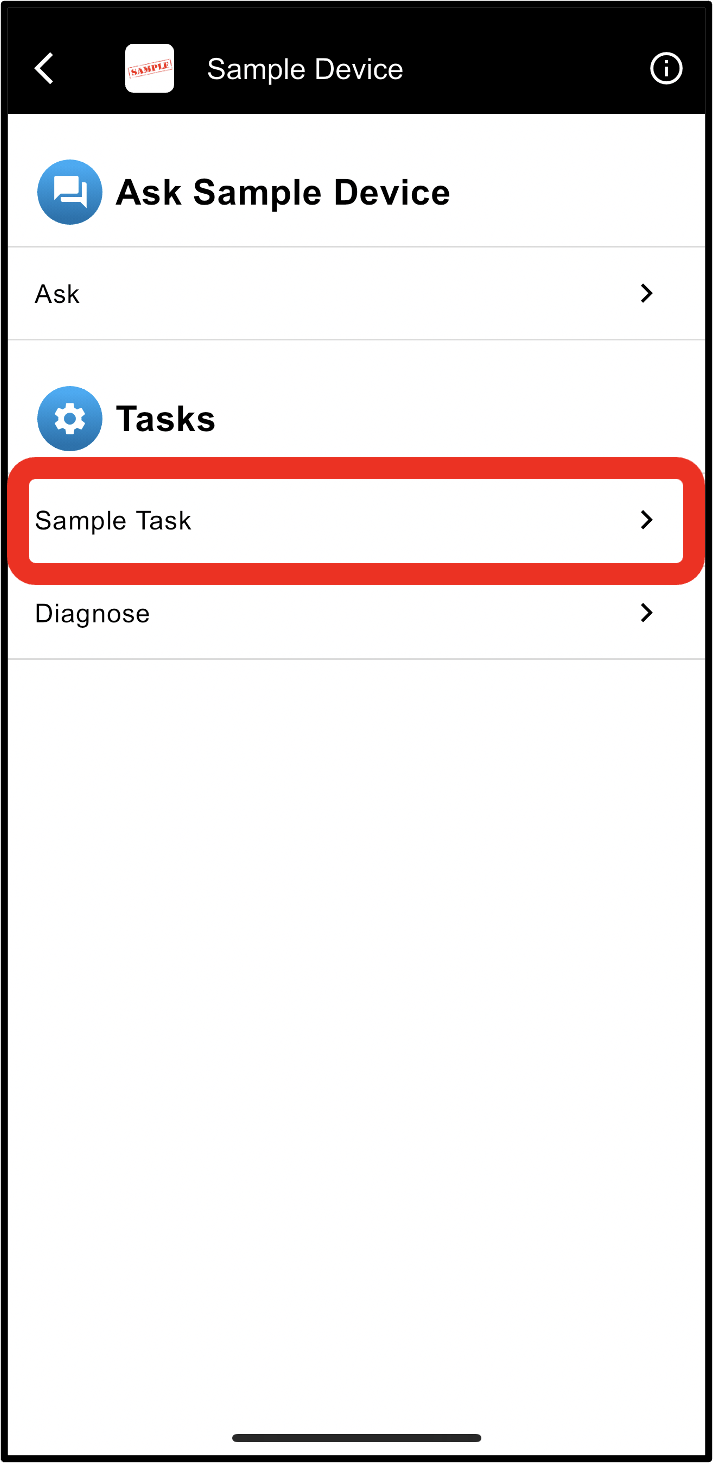
- From here the task you have chosen will begin
Revert to a Previous StepBy clicking the ... icon, you can chose to revert to a step in your history. This will take the session back to where you were.
Viewing Product Resources
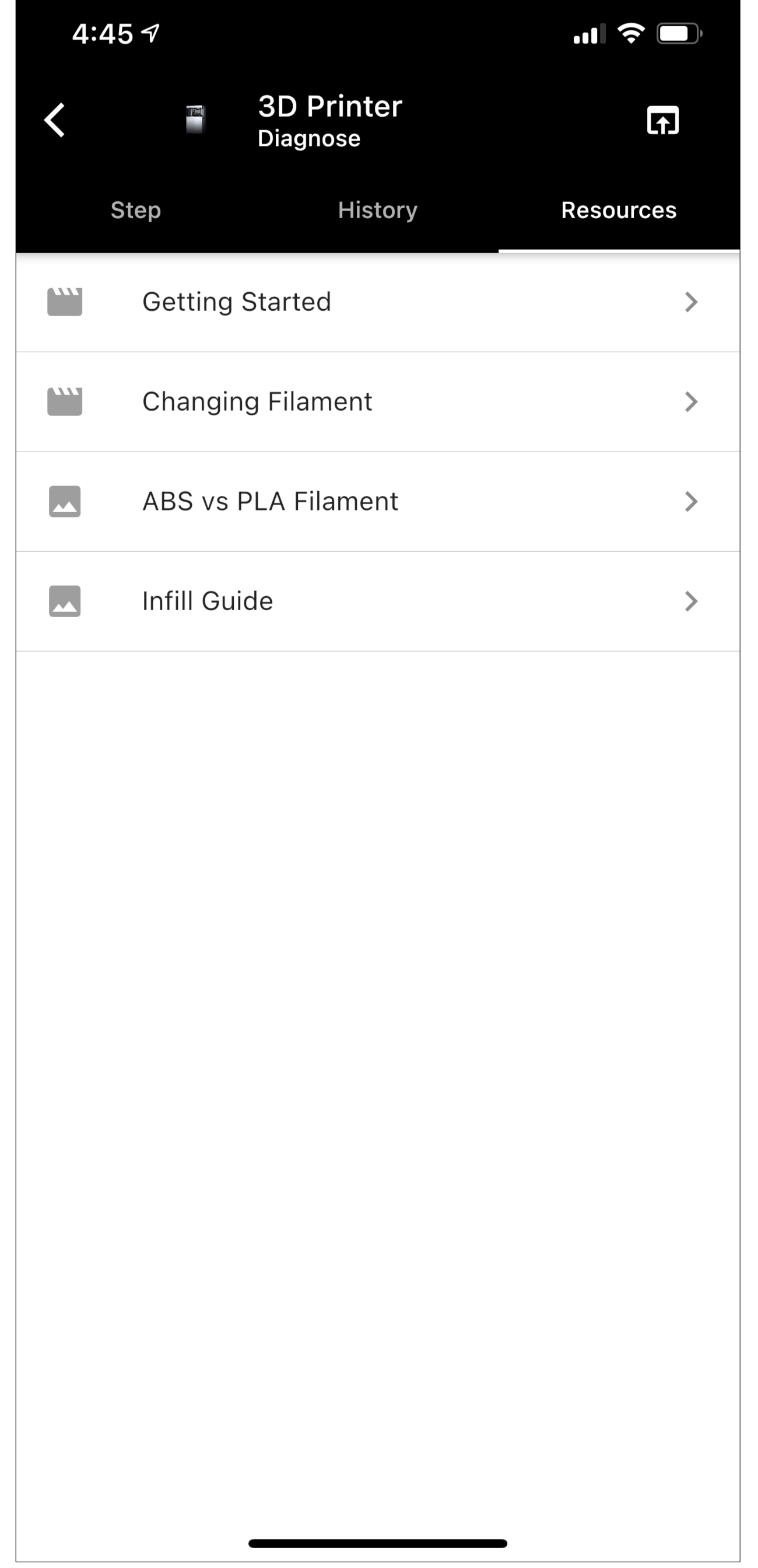
Select the "Resources" tab to view all of the resources that have been added to a product. This lets you quickly access things such as manuals or custom functions using dynamic resources.
Selecting any of the resources in the list will open them for you to view.
Viewing Data Collected
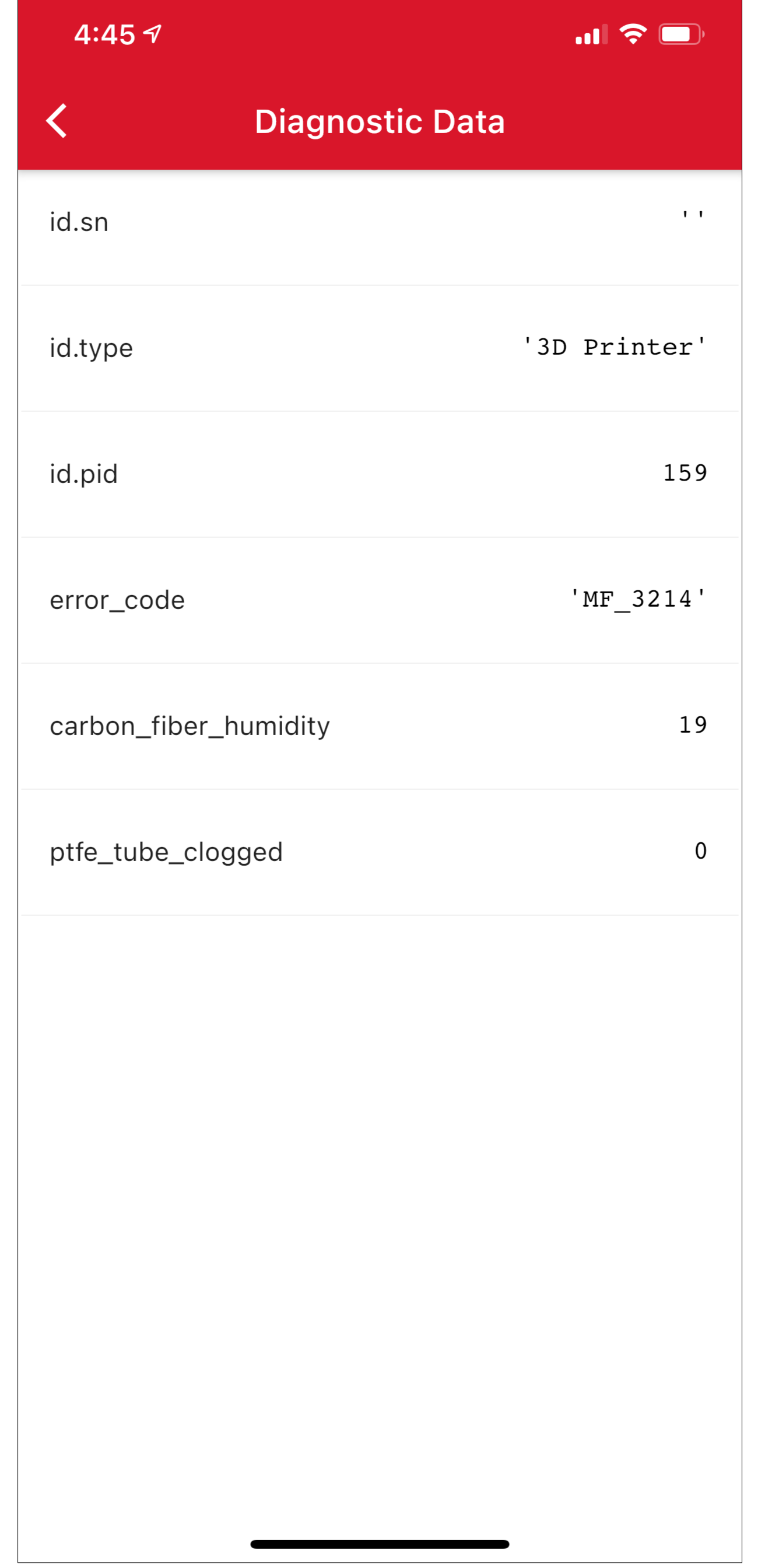
Selecting the history tab will show you all of the steps that have been completed during the task as well as any data that has been collected. Clicking the "View Data" button will show a list of all of the data.
Completing a Task
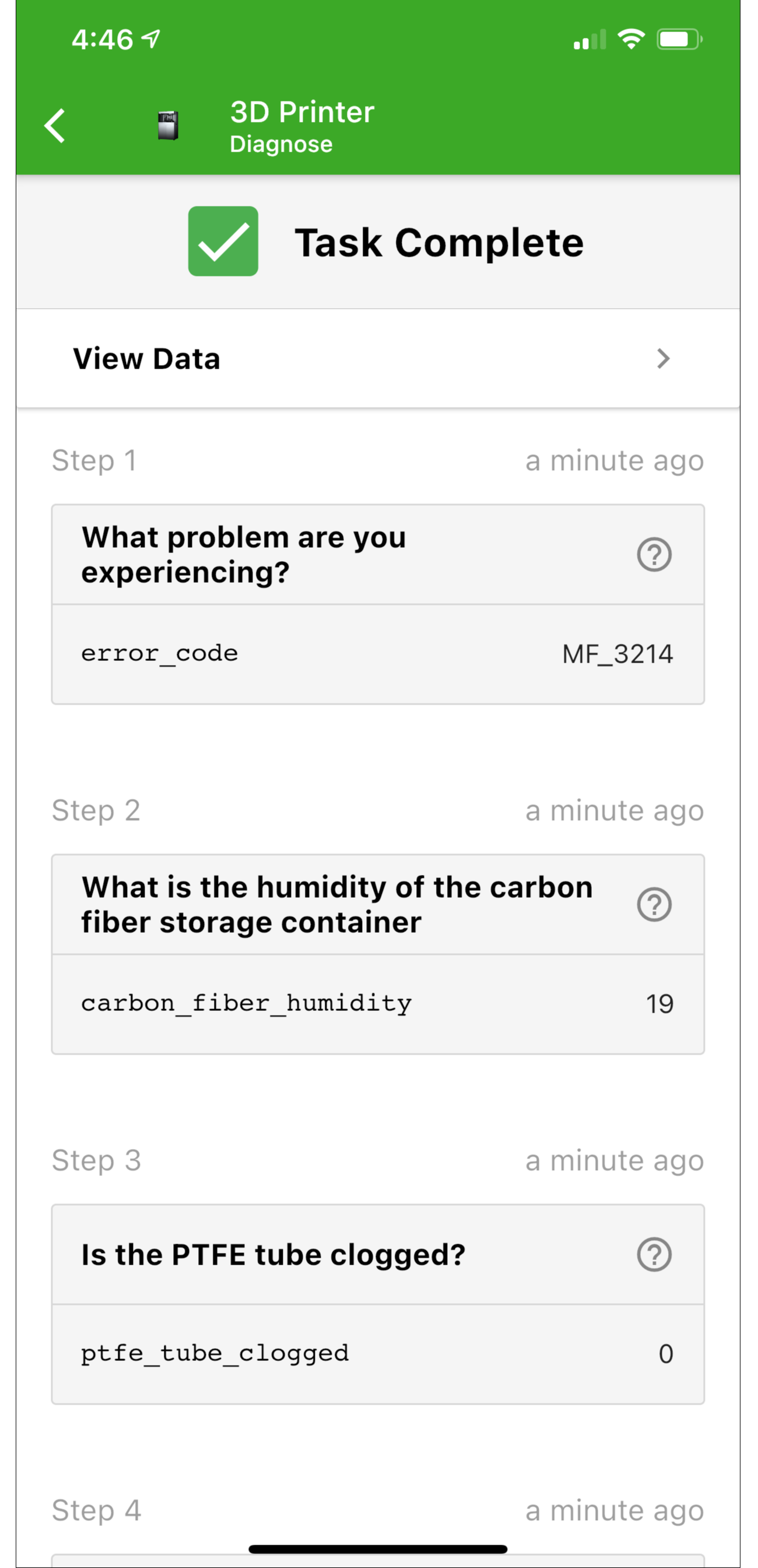
After completing a task you will still be able to view the history of steps that you did.
Expert Actions
When you are authenticated as an expert, you gain access to a set of "Expert Options" during a diagnosis. These options let you build and manage knowledge & training for the AI.
Alternate Step
Selecting "Alternate Step" shows you all of the steps that are available, along with the ones that are not available because they do not satisfy the dependencies.
Create a new Step
Creating a new step is how you add new knowledge to the AI.
Learn more about Creating a Step
Edit Step
Edit a step lets you change the step you are currently viewing.
Updated about 2 months ago