
Account
Edit your organization's account details — name, website, phone, and address — and view or regenerate the account API key.
For administrators and developers onlyThis page is for administrators who manage the account and developers who use its API key. Technicians don't need it.
The Account tab in the Admin portal holds your organization's details and the account's API key.
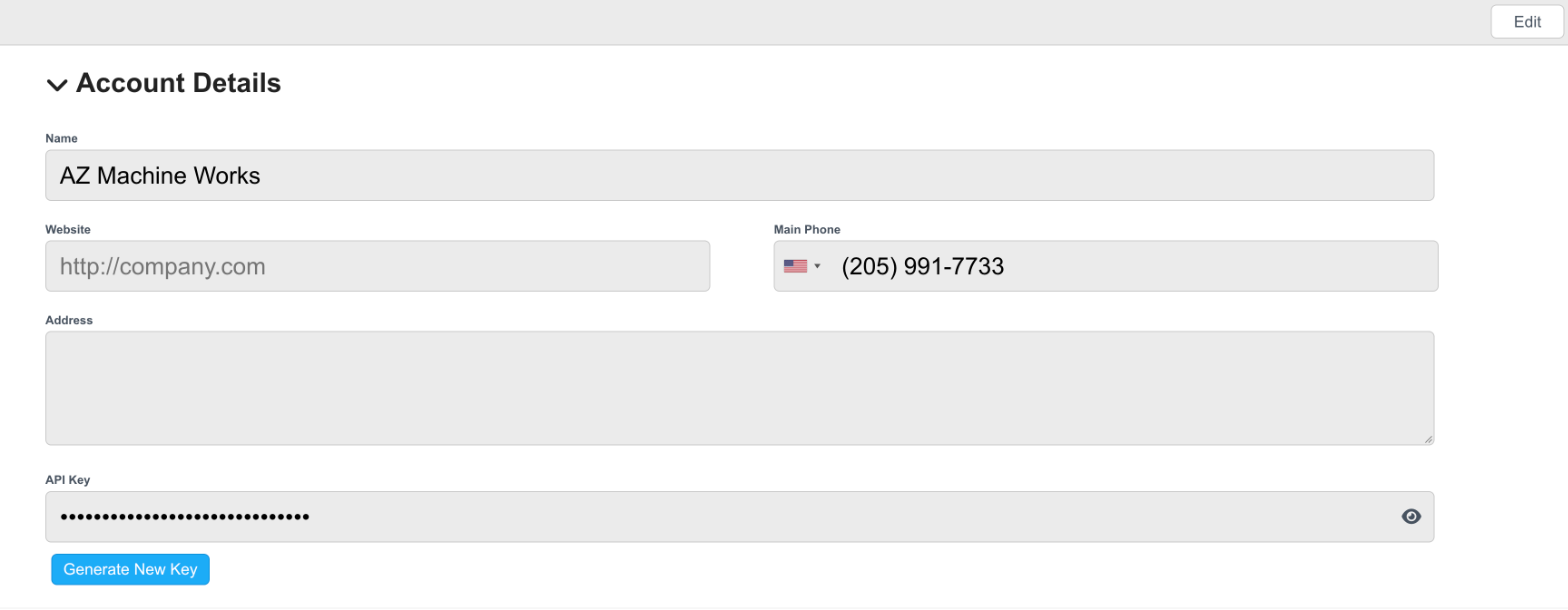
The Account tab, with the account details and API key
Account Details
To change the details, click Edit at the top right, make your changes, and save them.
| Setting | Function |
|---|---|
| Name | The name associated with your account. Changing it changes both your account's display name and the name used to search for your account in InSkill. |
| Website | (Optional) The URL of your website's homepage. |
| Main Phone | (Optional) The phone number for your business, with its country code. |
| Address | (Optional) The address of your business. |
| API Key | A secret credential that authenticates an application to the InSkill public API, giving service-level access to the account without an interactive user sign-in. The key is hidden; click the eye icon to show it. |
Regenerating the API Key
Click Generate New Key to replace the account's API key. Any application or integration using the old key stops working until it is updated with the new one.
CautionTreat the API key like a password. Do not share it, and regenerate it if it may have been exposed.
Updated 15 days ago