
Editing Roles
Editing a role
By clicking the "Add New" button in the top right, you will be shown the following screen:
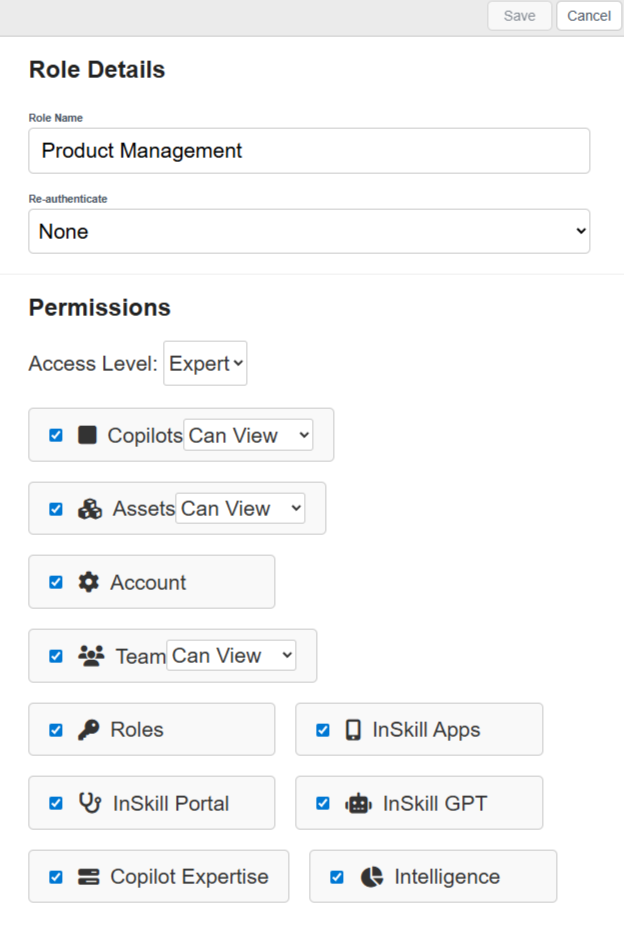
- Name: Here you can enter the name of your new role.
- Re-Authenticate: By selecting this, you can require users assigned this role to re-authenticate weekly or monthly. This can be useful if you don't want to give a user permanent access.
- Permissions: Here you will select which permissions you want this role to have.
Updated about 2 months ago