
Insights Tab
Solutions Insights: Analyzing Your Knowledge Architecture
The Insights tab within the Solutions module provides a powerful analytical overview of the data driving your intelligence ecosystem. While individual solution entries focus on the "what," the Insights dashboard shows you the "where" and "how"—giving you visibility into the origin, format, and structure of your knowledge base.
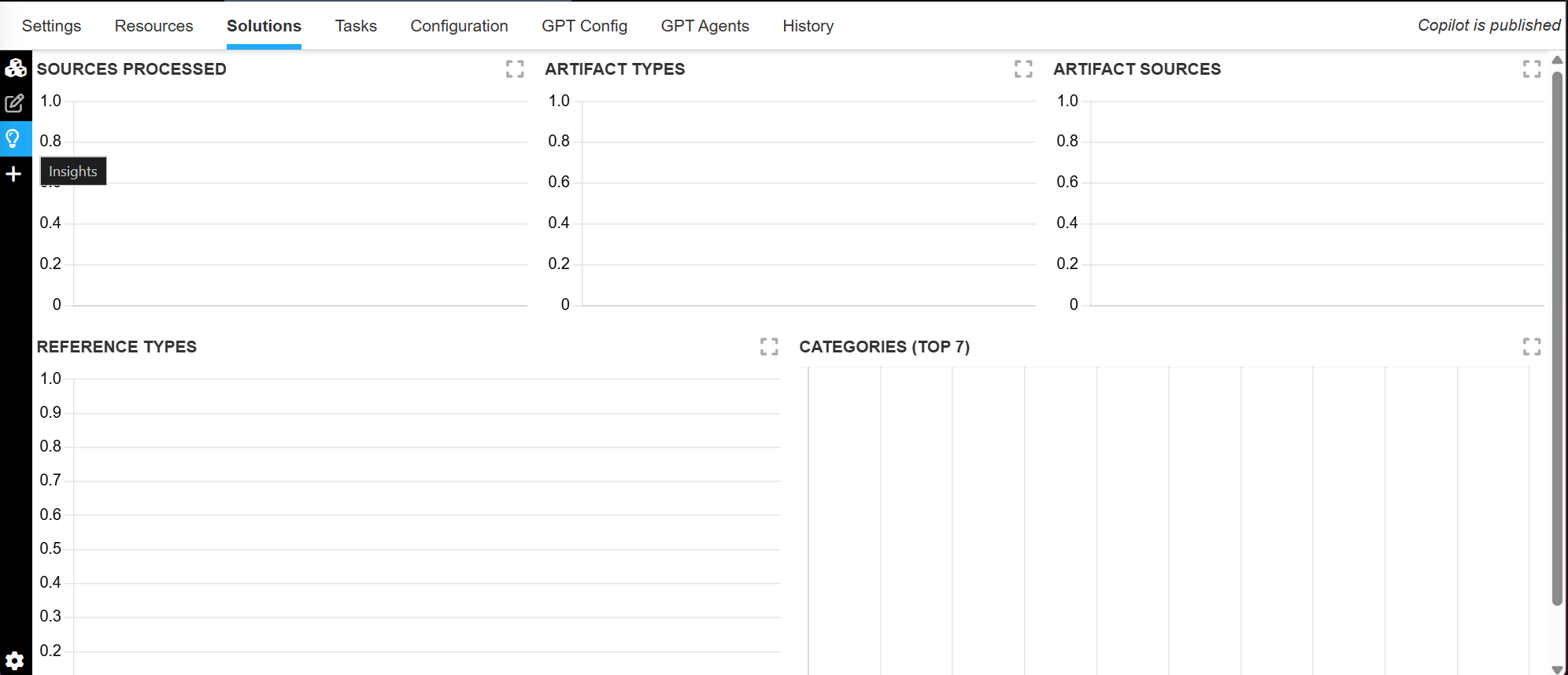
To access this dashboard, click the Lightbulb Icon on the left-hand navigation panel within the Solutions section of the Manage Portal.
Knowledge Metrics and Distribution
The Insights tab categorizes your data into five critical dimensions to help you audit the health of your library:
| Metric | Description |
|---|---|
| Sources Processed | A high-level count of the total number of unique documents, tickets, or data streams the AI has successfully ingested and analyzed. |
| Artifact Types | A breakdown of the file formats of your raw data. This identifies the volume of PDFs, spreadsheets (CSV/Excel), and unstructured text files currently being used. |
| Artifact Sources | This identifies the origin of your data. |
| Reference Types | Categorizes the supporting material used to ground your solutions. |
| Categories | Shows how your solutions are distributed across logical domains. |
Why These Insights Matter
By monitoring these metrics, administrators can ensure their Copilots remain accurate, balanced, and up-to-date:
- Identify Data Gaps: If your "Categories" chart shows very few solutions for a new product line, you can prioritize data ingestion for that specific area.
- Audit Data Quality: Seeing a high volume of "Unstructured" Artifact Types might indicate a need for more formal technical documentation to improve answer precision.
- Track Integration Value: By monitoring "Artifact Sources," you can quantify the value of your CRM integrations (Salesforce/Dynamics) by seeing how many solutions were generated from those specific tickets.
Updated about 2 months ago