
Create a Copilot
What you will need:
- The product you want a copilot for
- Product Image or Copilot Logo
To begin building a new AI Copilot, you will use the Copilot Portal. Each Copilot created in InSkill serves as a centralized source of expertise for a specific product, housing relevant materials such as product manuals, training videos, best practices, and validated solutions.
A Copilot may represent a single physical asset—such as a pump—or a logical grouping of assets, such as an entire water treatment train. This section outlines how to create Copilots, add and structure knowledge within them, and organize information effectively so InSkill GPT can accurately reference and apply it.
Only System Administrators or Product Authors can create copilots.
To add your first copilot follow these instructions
- After signing into the InSkill account, you will see the following homepage on the Manage portal (If copilots have been added already, you will see them below.)

- To add a copilot, either select “+ Add New” in the top right corner or select the dropdown arrow and click on “New Copilot”

- Enter details of the equipment, such as a photo and name of the copilot.
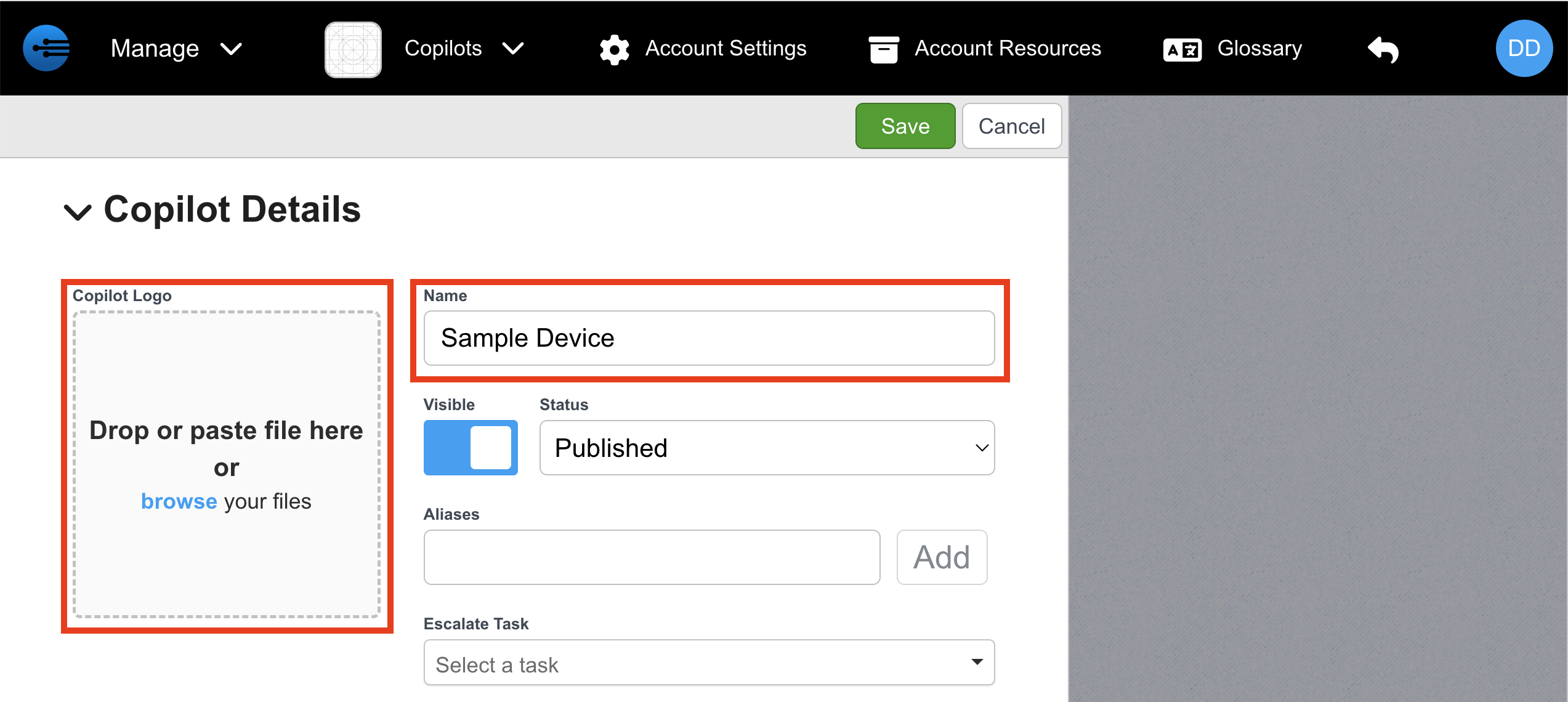
- Click “Save” to finish adding the copilot.

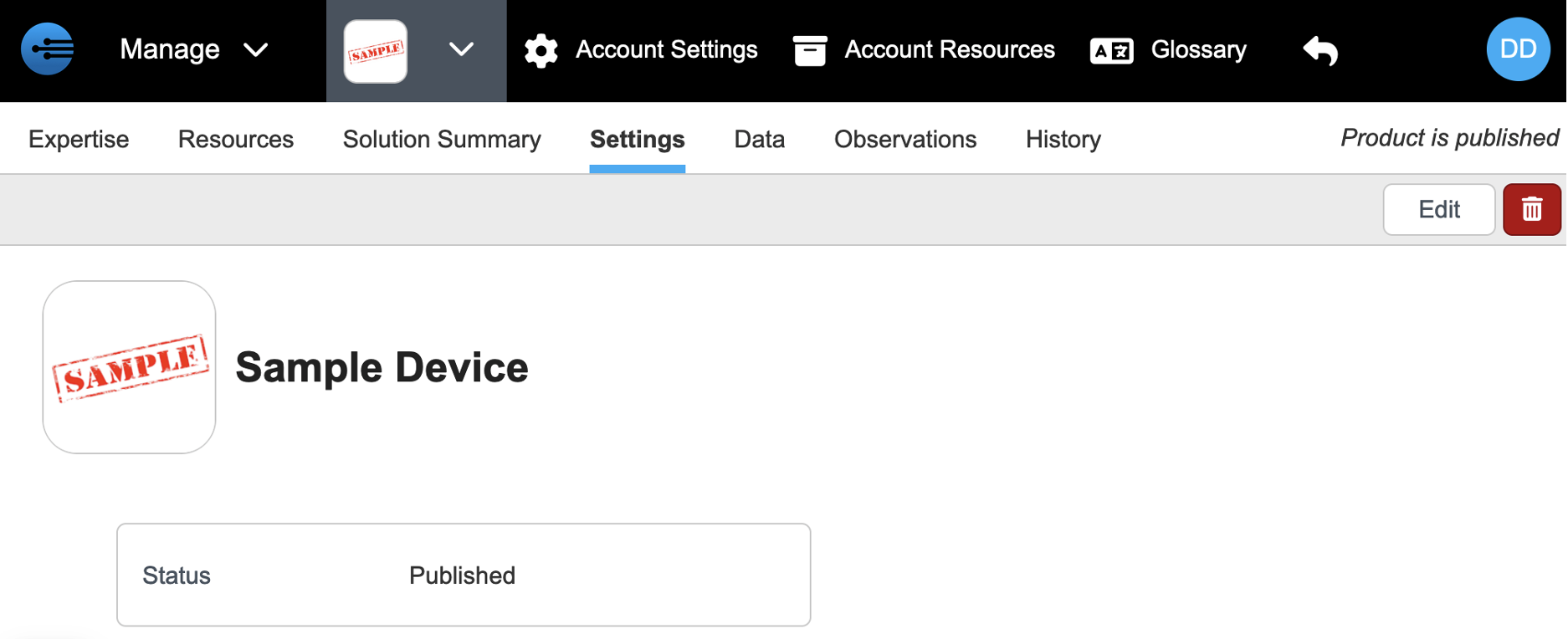
- Select the dropdown beside the name of your new copilot, and choose "All Copilots." This will take you back to the main page of the manage portal
Updated about 1 month ago