
Assets and Grouping

Assets represent individual, real-world instances of a product. Creating an asset requires three key elements: a serial number, a name, and a configuration.The model number identifies the version of the equipment, while the serial number uniquely identifies a specific physical instance of that machine. The name reflects how the machine is commonly referenced by users. Finally, the configuration captures any additional features, components, or customizations specific to that asset.
Grouping refers to the practice of organizing assets into structured, ordered collections that reflect how equipment is arranged and used in real-world operations. In industrial environments, assets are commonly grouped by production line, site, or department to improve organization and operational efficiency by keeping related equipment logically connected. In InSkill, this same organizational approach is applied to enhance usability and performance. Grouping assets not only simplifies inventory management but also enables intuitive site navigation, aligning the digital experience with workflows and layouts that users are already familiar with.
Assets
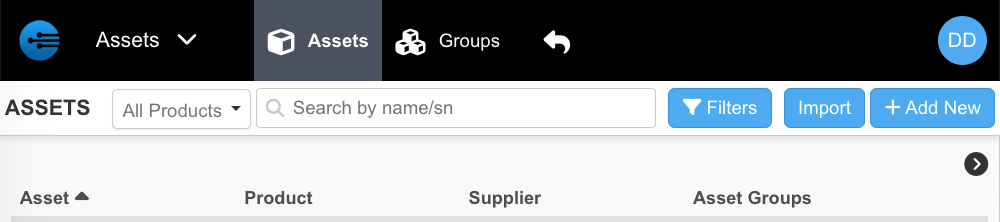
The Assets tab displays a table containing a complete list of all assets in your system. Each asset entry includes key details such as the asset name, associated product, product supplier, and the asset group to which it belongs.
Additionally, the Assets page includes a search function located in the upper-right corner. This search capability allows users to quickly filter assets by product type, asset name, or serial number.
Groups

The Groups page is similar to the Assets page but presented in a simplified format. While the Assets page includes detailed information for each individual asset, the Groups page displays a table focused on asset group names and the assets contained within each group. The search functionality on the Groups page is also streamlined, allowing users to search exclusively by asset group name.
Updated about 2 months ago