
Activity
The Activity tab shows who has worked on an asset, when, and what data each session collected.
The Activity tab shows which Technicians have used a specific asset and when. It also displays metrics such as the number of steps completed, provides more in-depth session information, and lets you add notes.
Reviewing an asset's activity provides detailed insight into a specific machine: who used it, when it was used, how it was operated, and the purpose for which it was used.
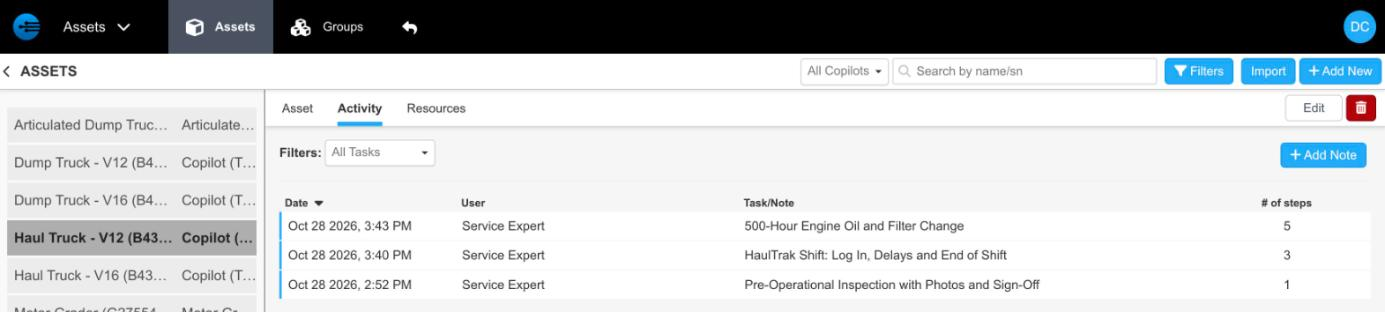
An asset's Activity tab, listing its sessions
Session Detail
Click a session to view its date, the Technician, the parts used, the skills involved, and a summary of the session. A session can be viewed in two forms, as in Task History: Report presents the session as a readable report, and Data provides a more detailed look.
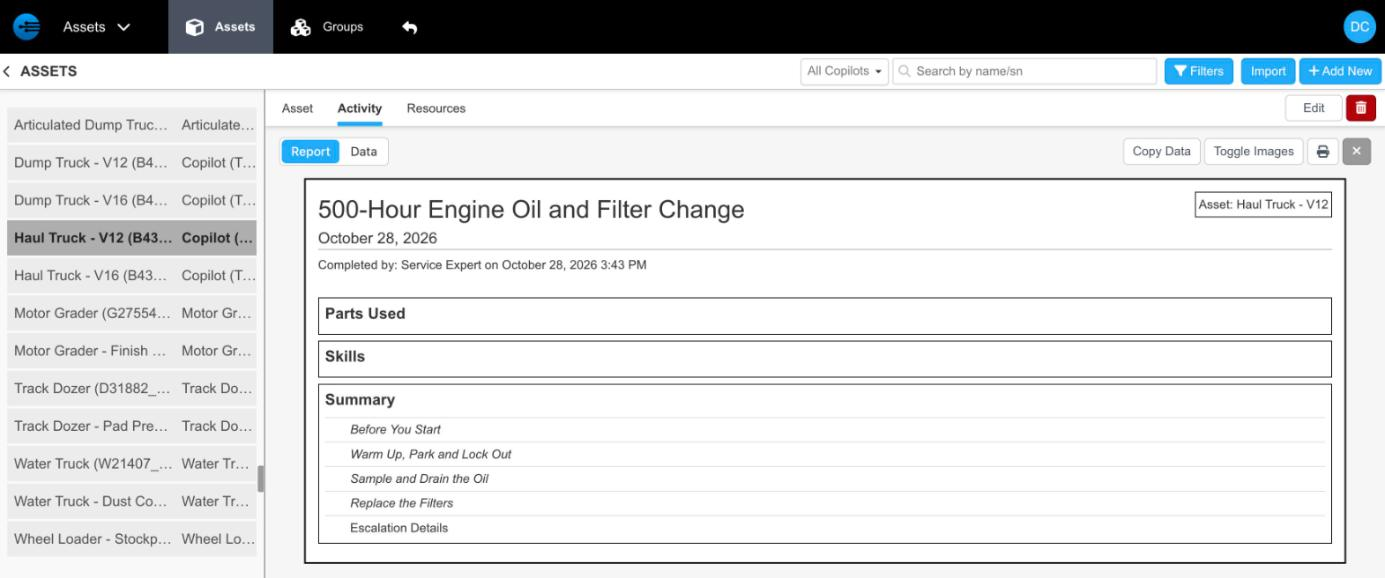
A session in Report view
Session Data
Select Data to see an overview of all the steps run and the corresponding data that was collected.
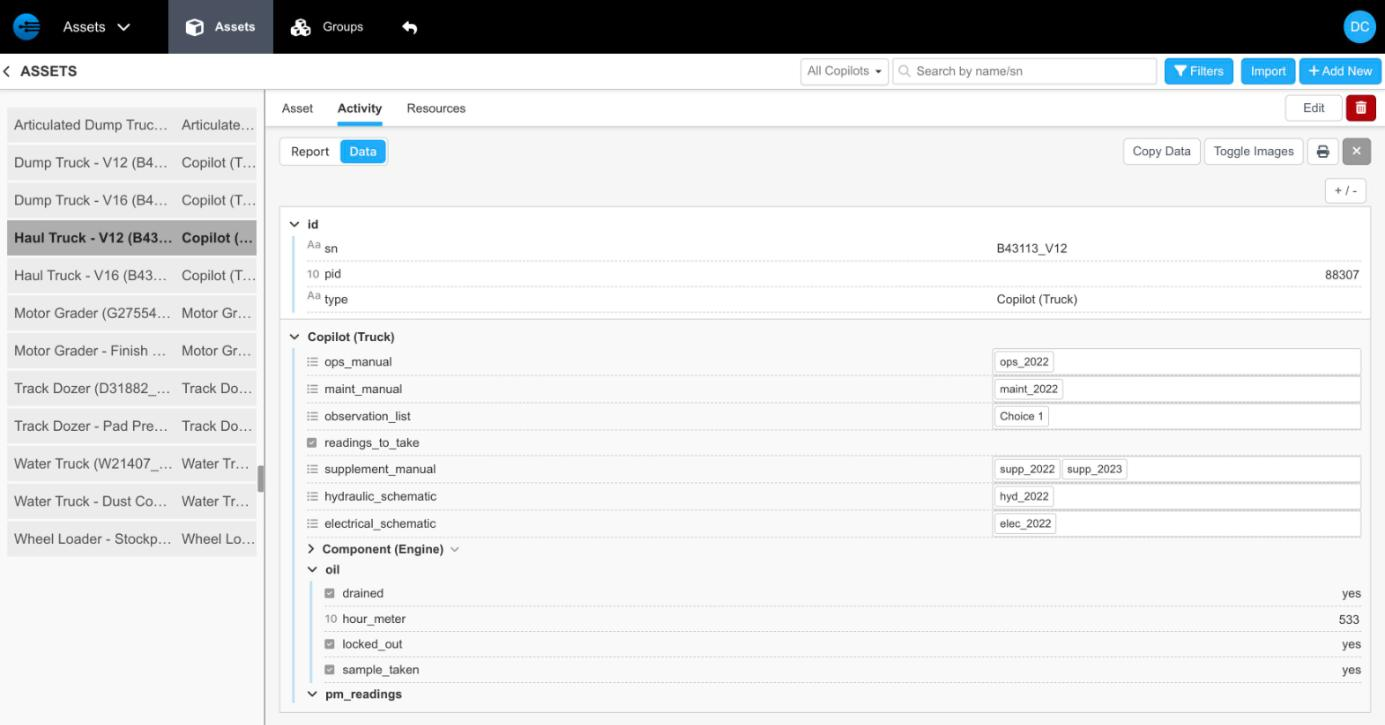
A session in Data view, with the readings collected
Updated 20 days ago