
Using My Copilot
Choosing Your Copilot: Product vs. Asset
In the InSkill app, you can interact with your equipment through two distinct "flavors" of copilots. Choosing the right one ensures you get the level of detail necessary for the task at hand.
| Product Tab | Asset Tab |
|---|---|
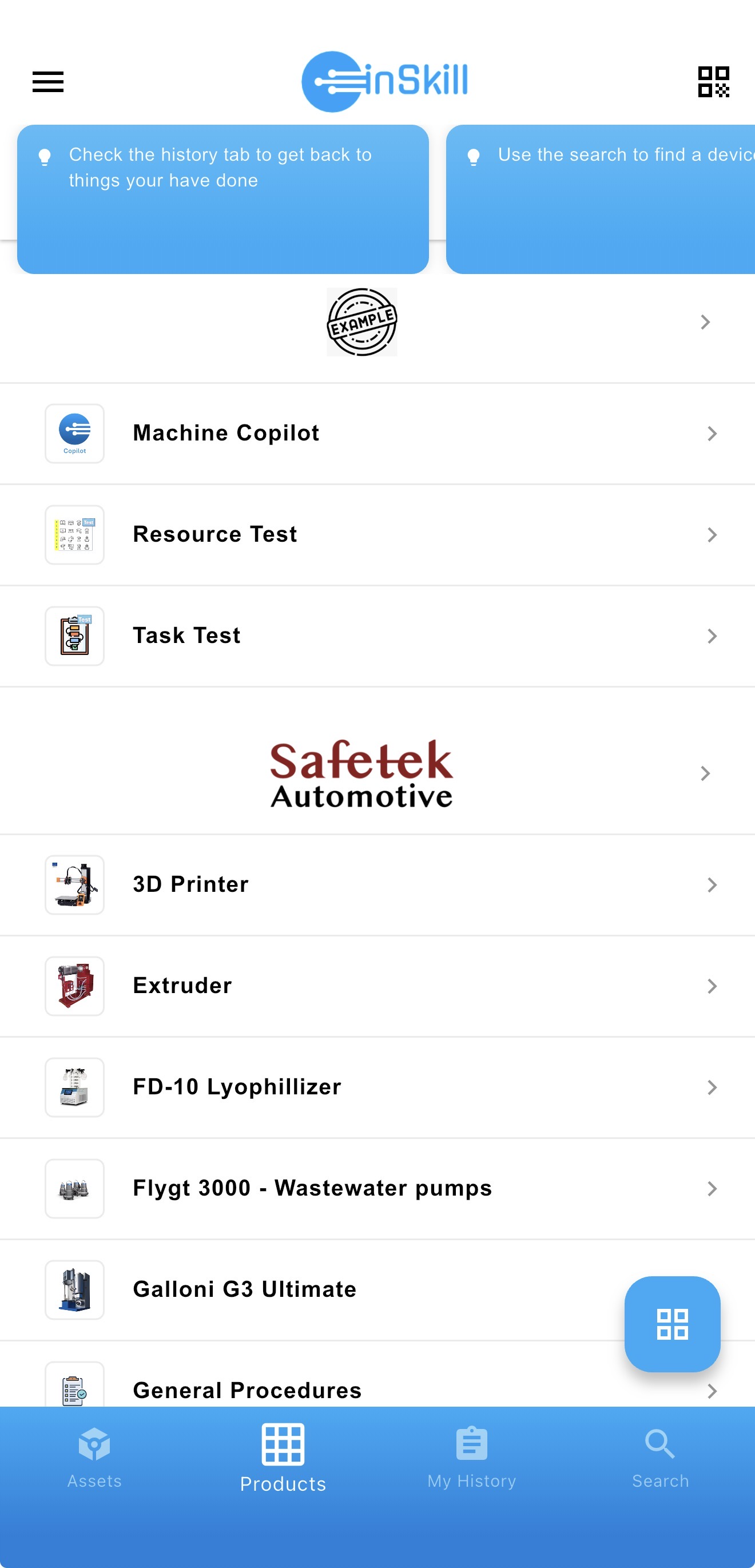 | 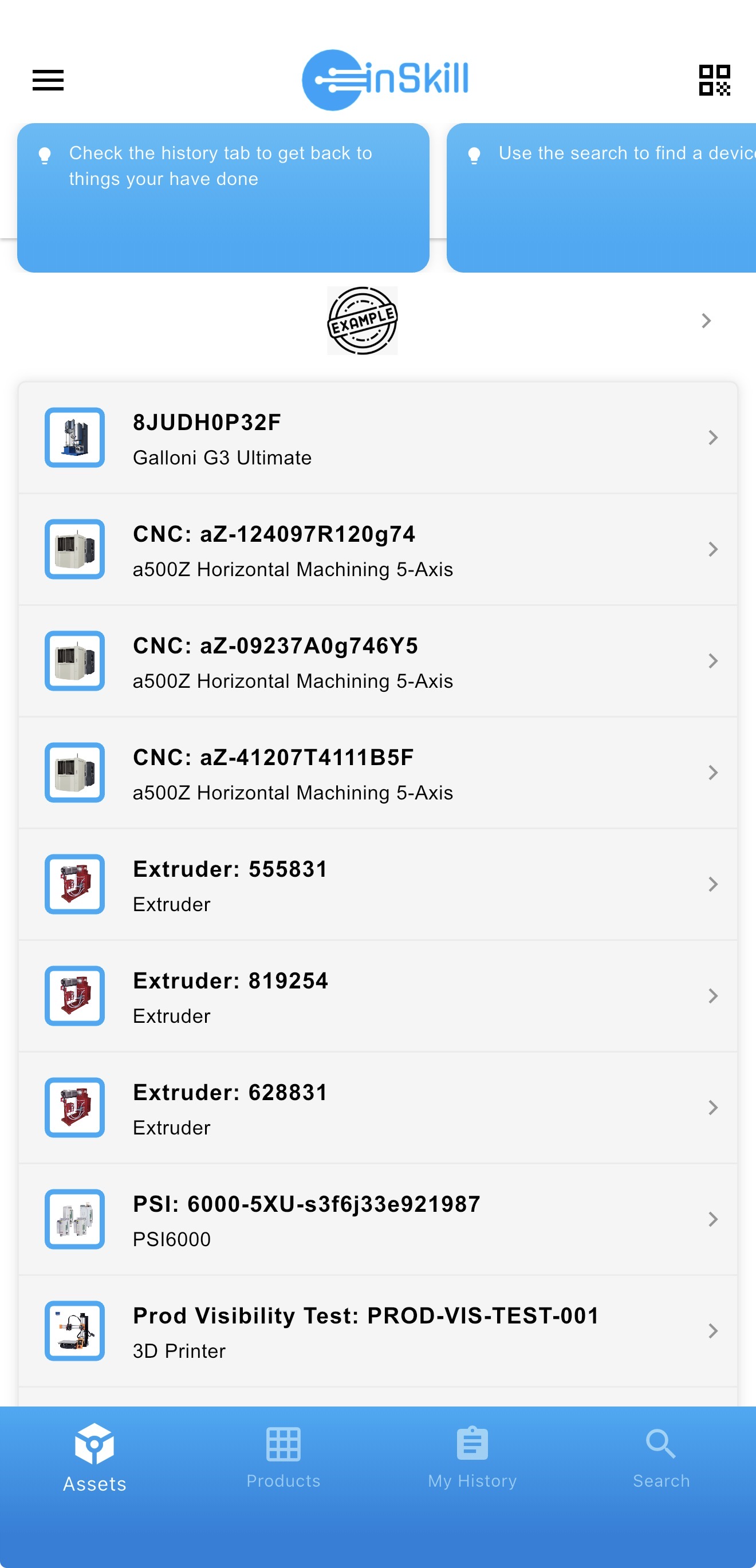 |
1. Product Copilot: The General Expert
The Product Copilot provides a broad overview of an entire product line. It includes all available information without filtering for specific versions, models, or configurations.
How to Access
Open the InSkill app, navigate to the Product Page, and select the copilot you wish to use. It will open directly to the Ask tab.
The Four Product Tabs
| Tab Name | Content | Definition |
|---|---|---|
| Ask InSkill GPT | 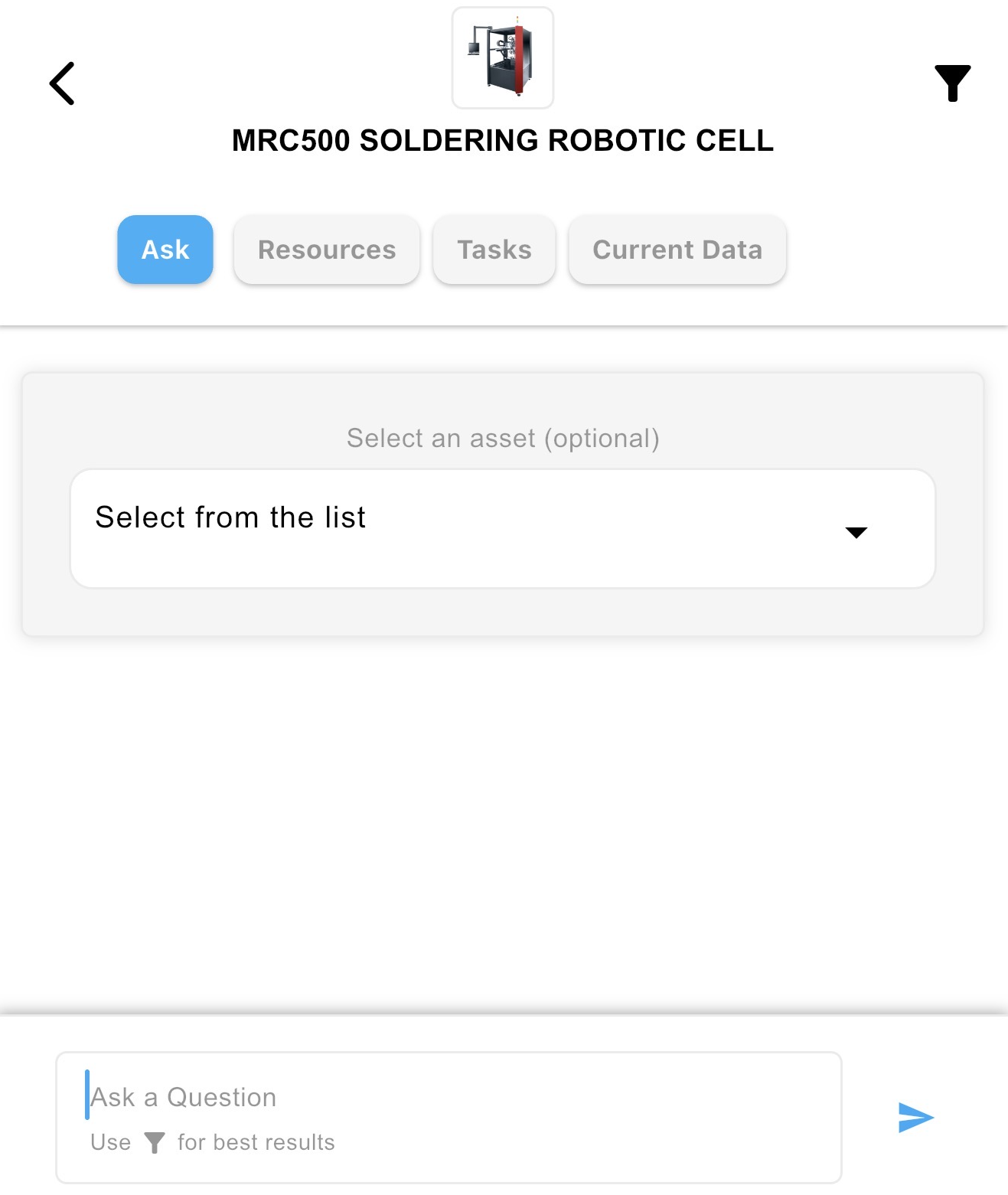 | Your primary interface. Ask questions naturally to surface resources and tasks. Answers are general and reflect all documented versions of the machine. |
| Resources | 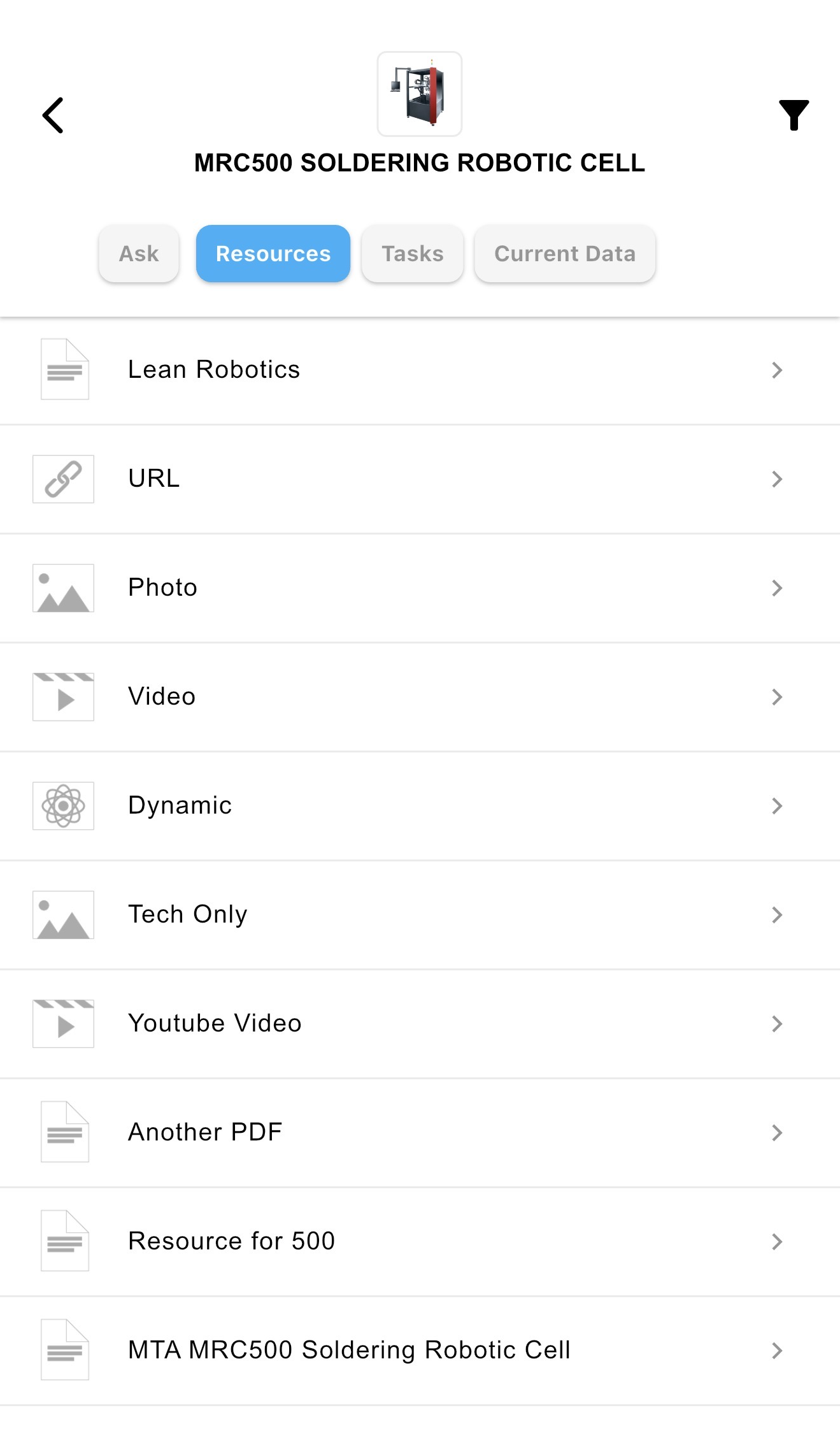 | A complete library of every document, video, and URL associated with that product family. |
| Tasks | 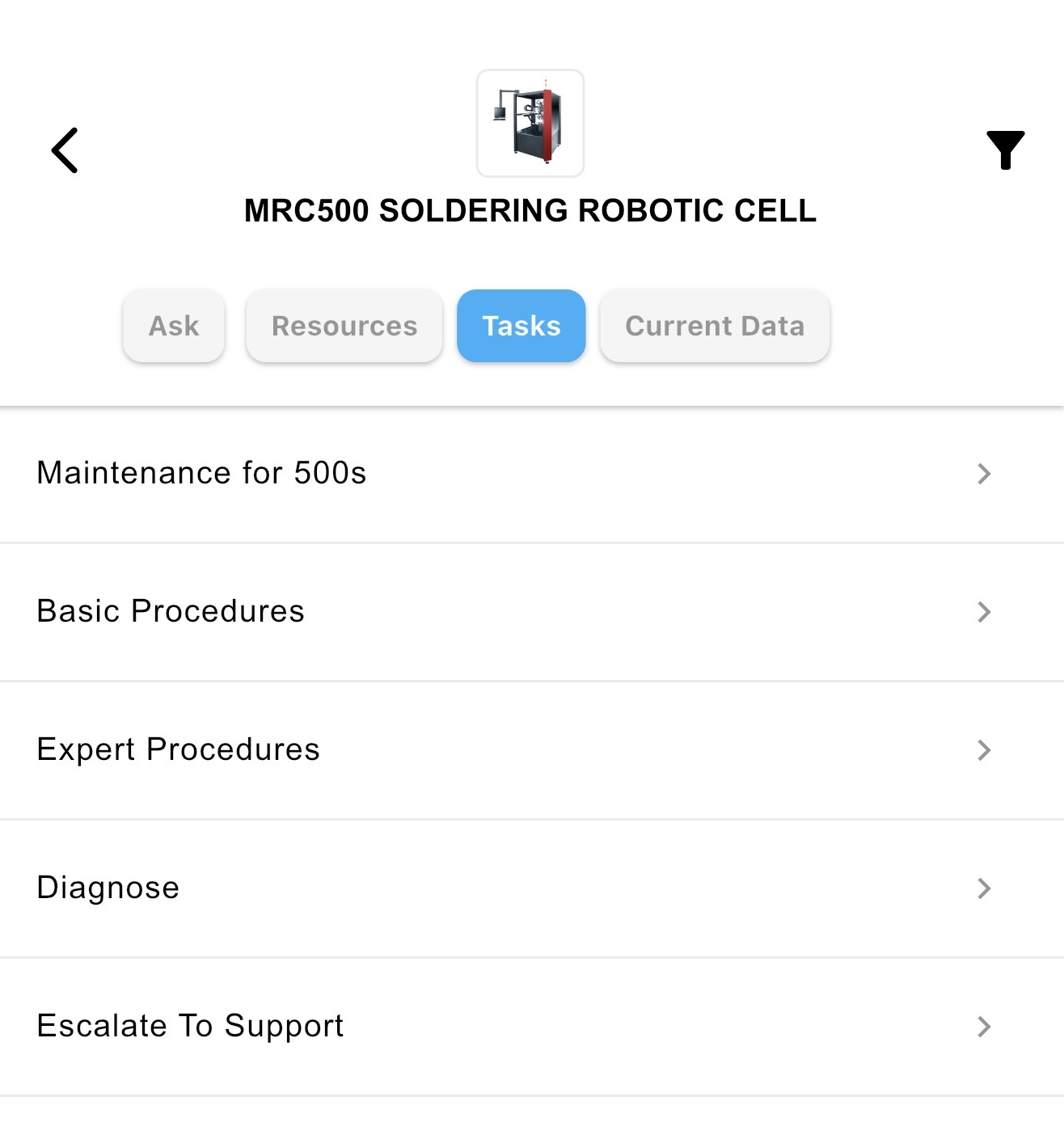 | A master list of all available procedures for the product, regardless of specific model variations. |
| Current Data | 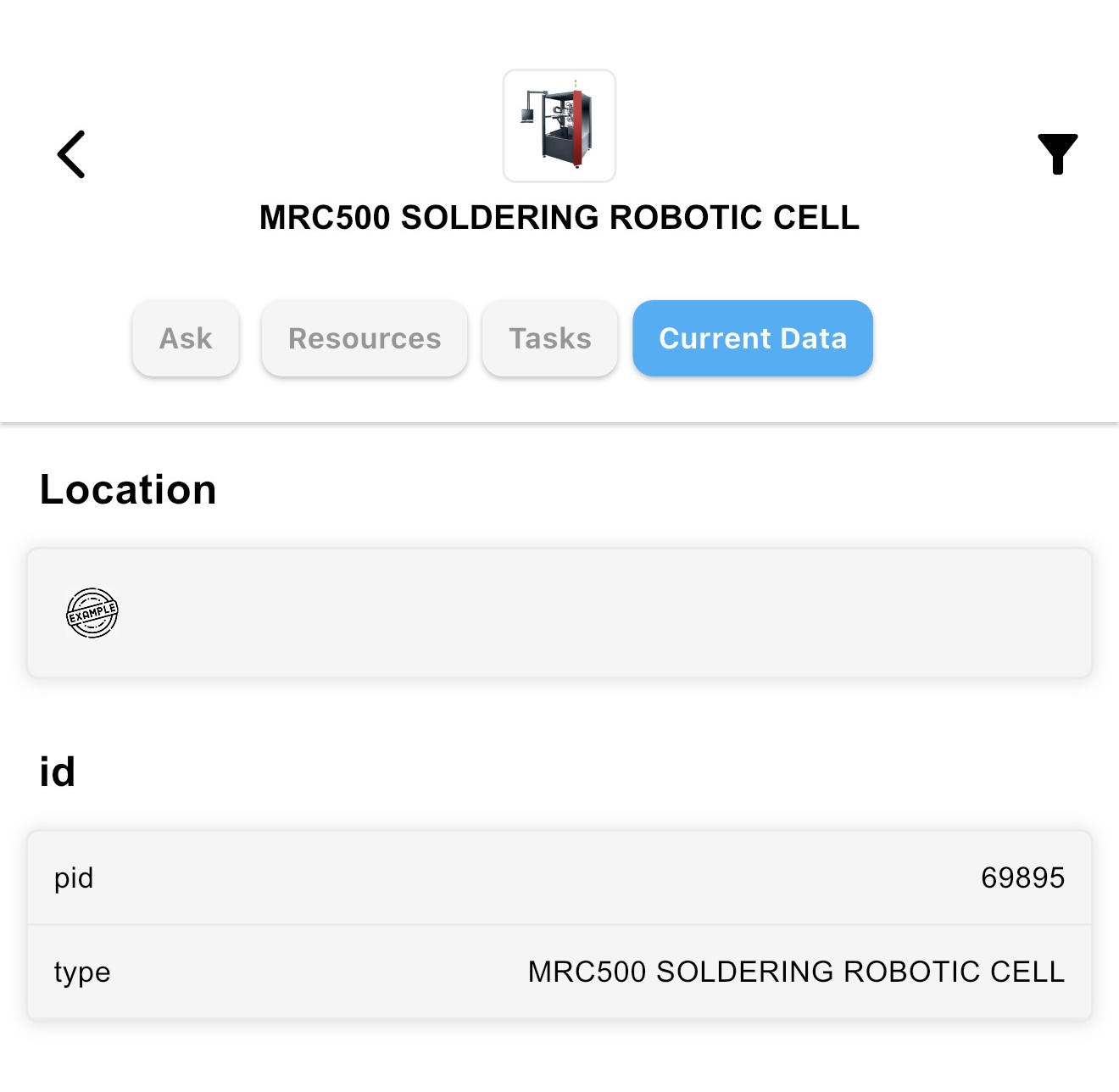 | Provides technical metadata, such as the Copilot ID and your current location. |
2. Asset Copilot: The Machine-Specific Expert
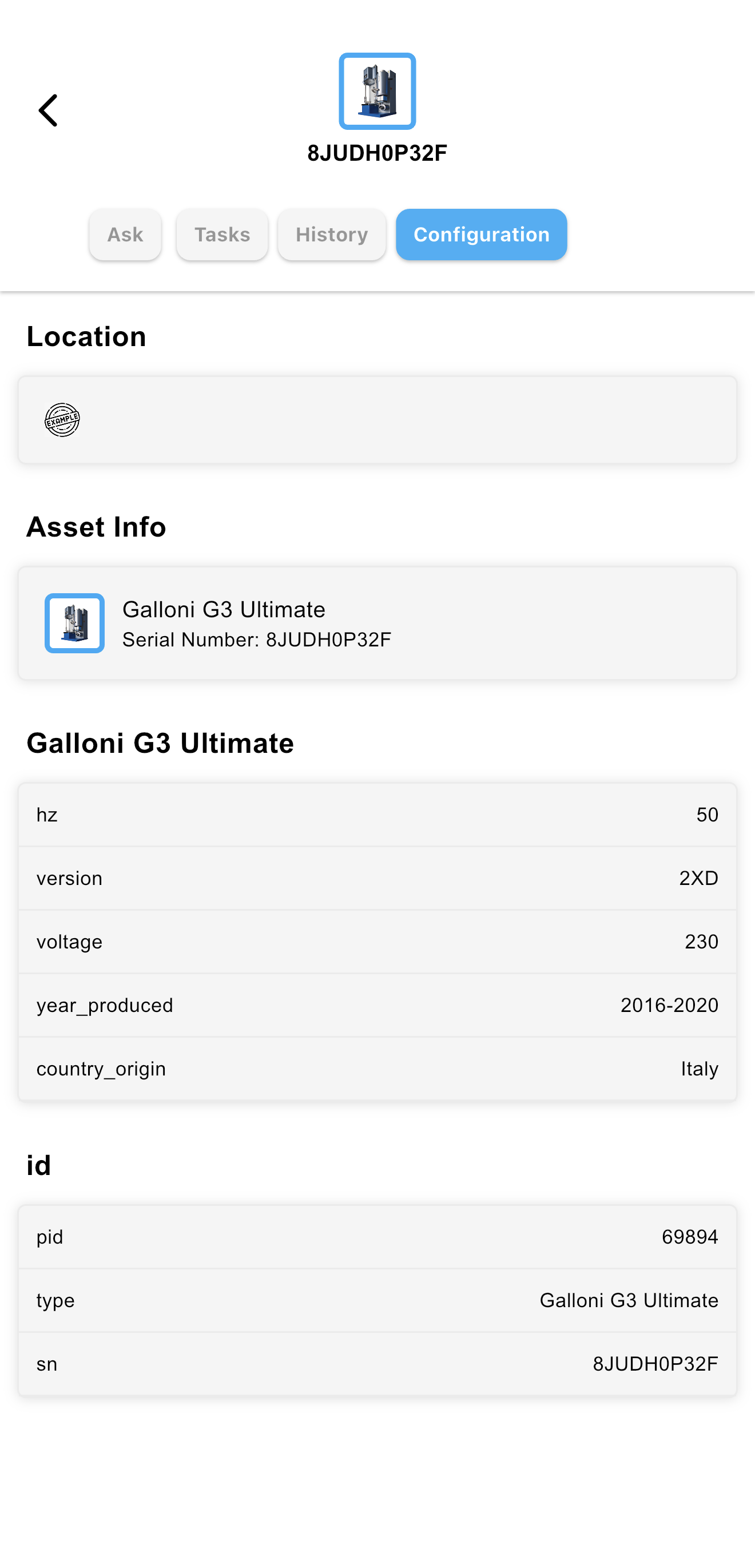
The Asset Copilot is a high-context assistant tailored to a specific machine instance. It understands the "as-built" reality of the equipment you are standing in front of. Unlike a Product Copilot, an Asset includes specific details that narrow its results to source documents matching the same defined variables.
How Assets are Defined
Assets are defined by specific variables located in the Data Dictionary (found under the Configuration tab in the Asset settings). These variables—such as size, version, power requirements, year produced, country of origin or specific component models—act as a filter for the AI. The defined variables can be seen under the Product copilot name after selecting the Configuration tab for an asset. The AI will only pull in information from resources tagged with these same dependencies.
The Asset Advantage
When you use an Asset Copilot, the system cross-references these variables to ensure every response is relevant to your exact situation.
- Filtered Intelligence: Only provides resources, tasks, solutions, and agents that match your machine's unique definition.
- Conflict Resolution: If there are multiple instructions (e.g., different filter sizes), the Asset Copilot identifies your machine's configuration and shows only the correct one.
- Higher Confidence: Because the AI isn’t guessing which version you have, troubleshooting steps and part numbers are significantly more accurate.
Comparison at a Glance
| Feature | Product Copilot | Asset Copilot |
|---|---|---|
| Best For | General training and broad research | Real-time troubleshooting and maintenance |
| Context | Generic (covers all versions) | Specific (covers one unique machine) |
| Filtering | None; shows all documentation | Filters content based on Asset Variables |
| Accuracy | High (General) | Highest (Context-Aware) |
Updated about 2 months ago