
GPT on InSkill Portal
What you will need:
- Desktop Computer/Laptop
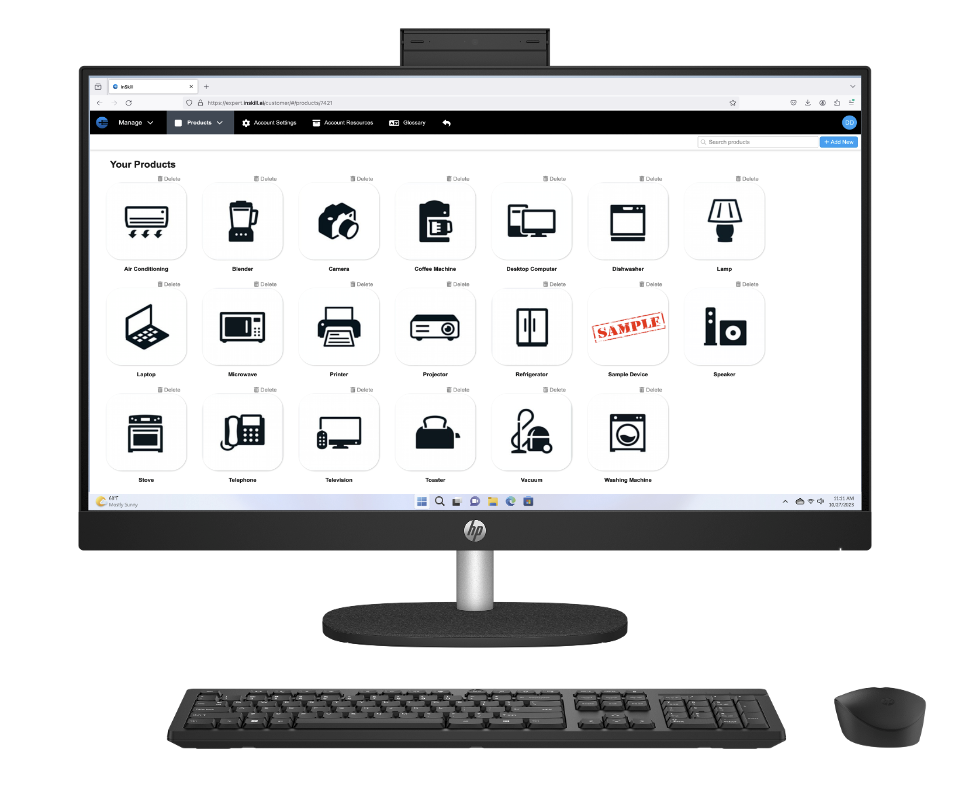
The InSkill desktop platform provides an additional way to leverage AI copilot functionality. It delivers the same capabilities as the mobile application, with no technical limitations or loss of performance.
In this section, you will learn how to access and use InSkill GPT from a desktop computer. To begin, navigate to expert.inskill.ai and sign in to your account. Once logged in, follow the steps outlined below to learn how to access and utilize InSkill GPT through the Escalate portal on the desktop platform.
Please follow these instructions to learn how to use InSkill GPT on a desktop computer:
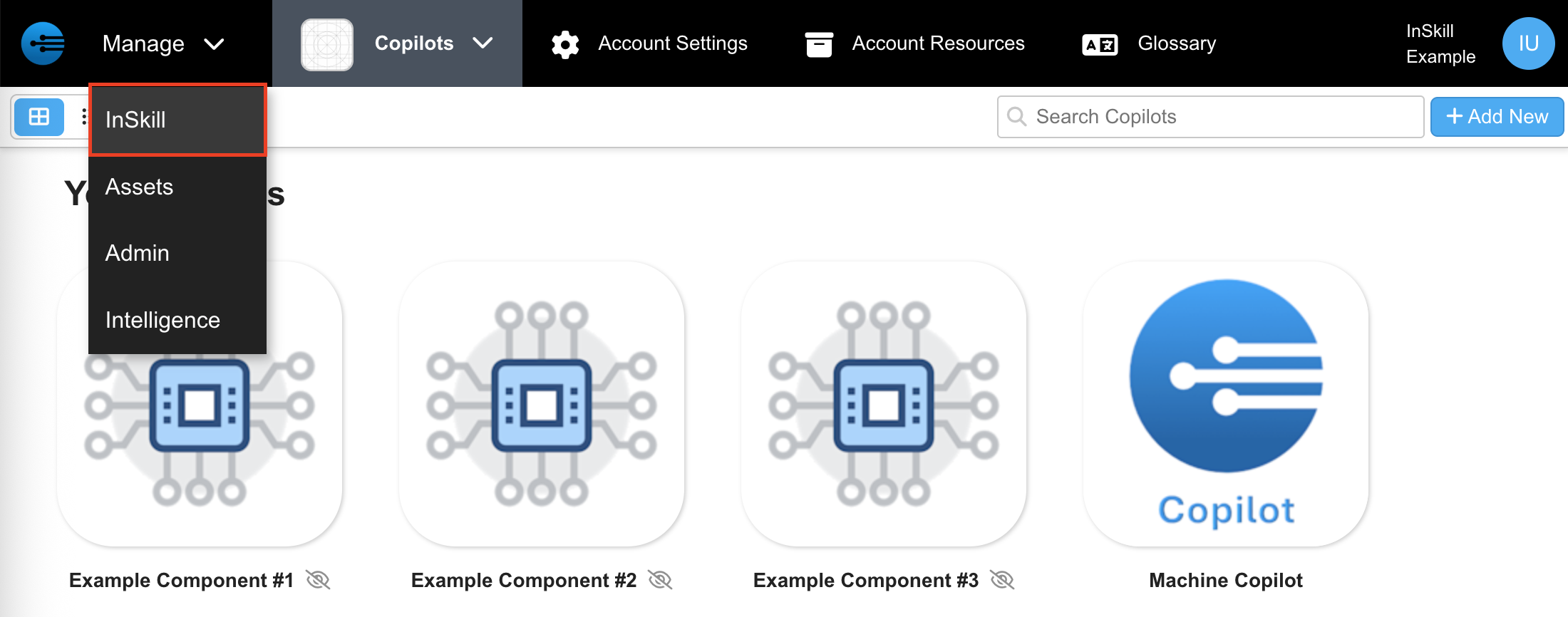
- After logging into the InSkill website on a desktop you will arrive at the Manage portal with all your copilots. Click the drop-down arrow on the top left corner & select “InSkill” to navigate to the active session page
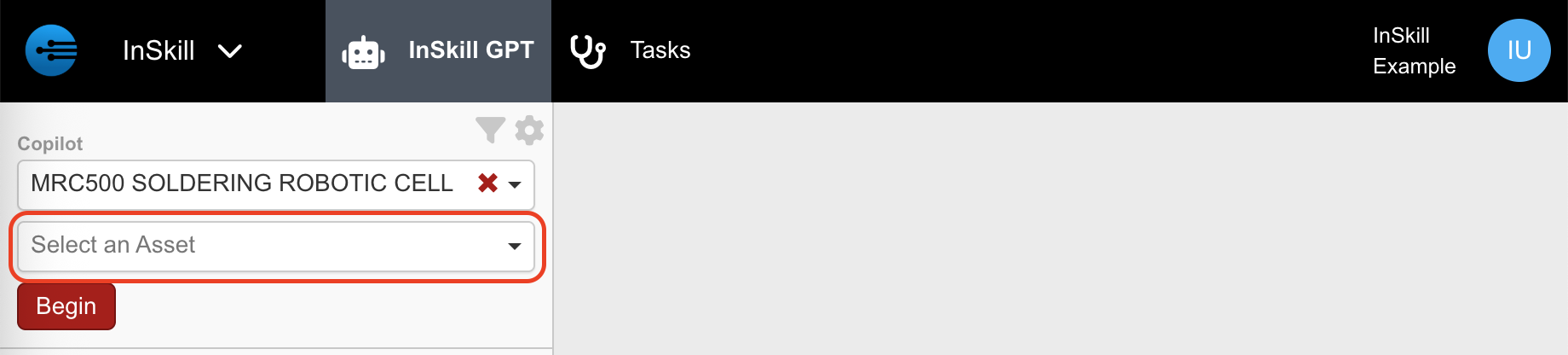
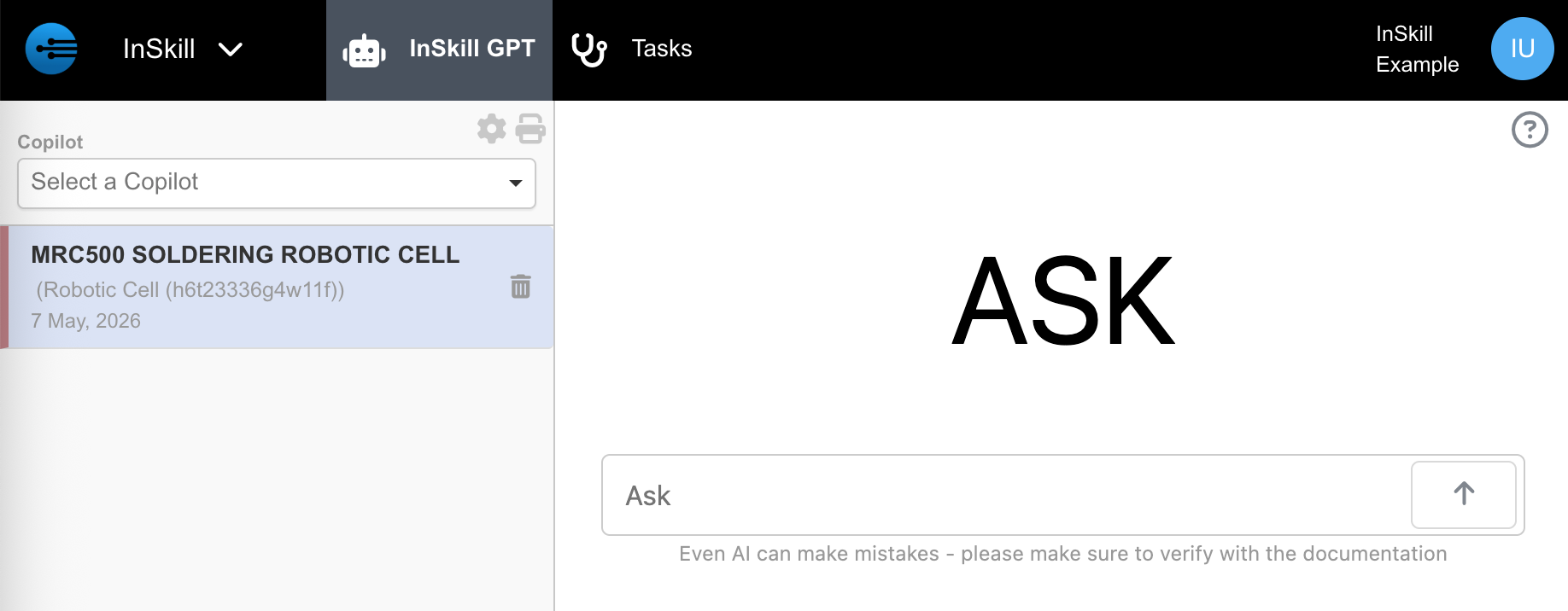
- Select the drop-down arrow to choose which copilot you would like to work with

(Optional) After selecting a device, select the asset you are working on
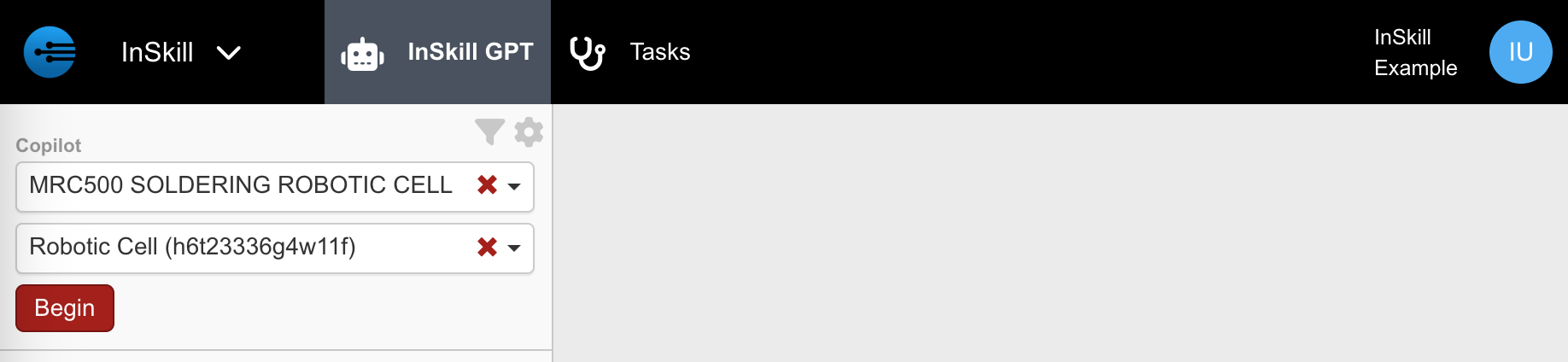
- Click “Begin” to initiate InSkill GPT
- Begin typing to start interacting with InSkill GPT
Updated about 1 month ago