Adding Product Documentation
To build an effective GPT experience for your team, it is essential to upload all relevant documentation associated with the Copilot. Adding these files follows a process similar to the steps outlined in Lesson 102, allowing users to upload additional manuals critical to the equipment and its operation.
Relevant documentation may include, but is not limited to, inspection, operating, and troubleshooting manuals. For optimal GPT performance, ensure that all available versions of these documents are uploaded so the Copilot can reference the most accurate and comprehensive information.

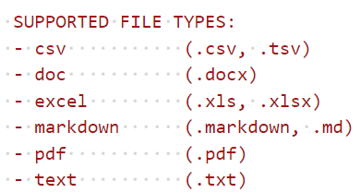
(Note: Document uploads are limited to 300MB)
Preprocessing Techincal Documents
While most documents are indexed effectively by the GPT model, certain file formats can significantly disrupt the indexing process. PDF files, in particular, are the most common source of issues, as they can interfere with search accuracy and performance.
To ensure optimal results from GPT queries, we recommend preprocessing PDF files prior to indexing. Several recommended preprocessing steps include the following:
- Normalization of tables
- Removal of headers and footers
- Crossing page boundaries when dealing with lists
- Among others
To add more resources follow these steps:
- After signing into InSkill, you will arrive at the manage portal. From here click on the copilot you want to add documents to
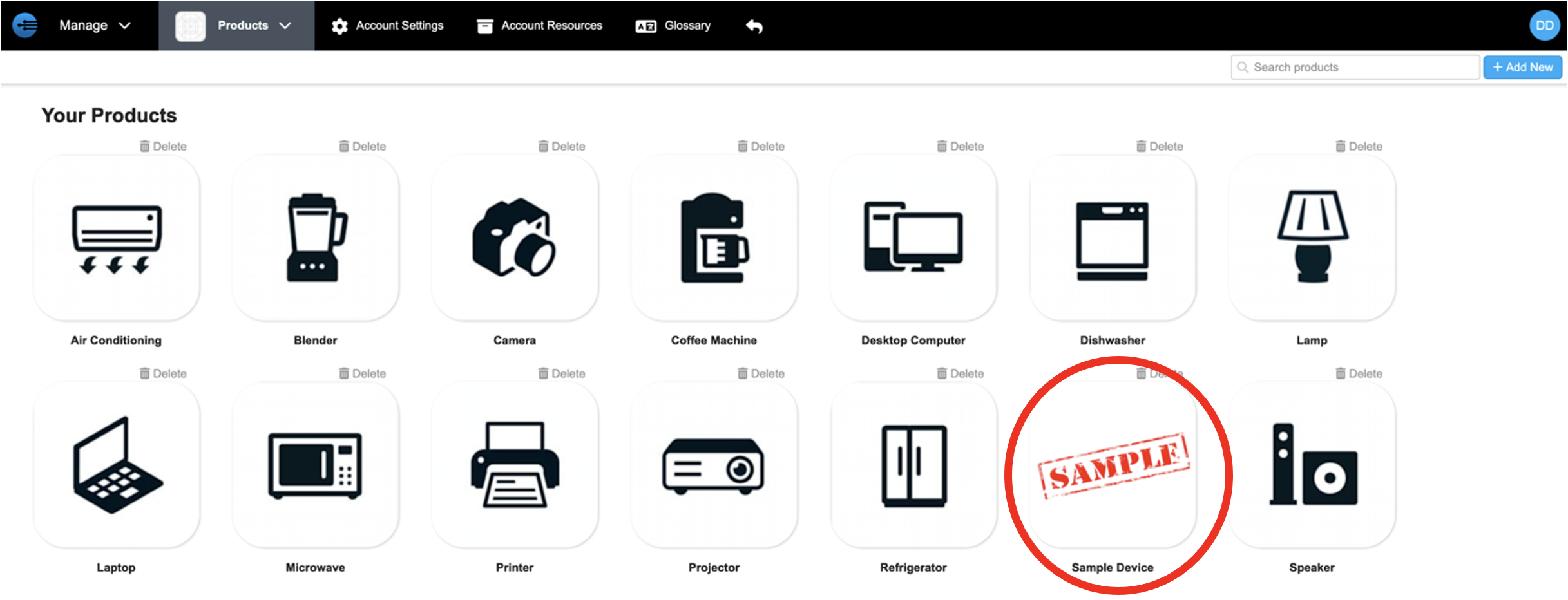
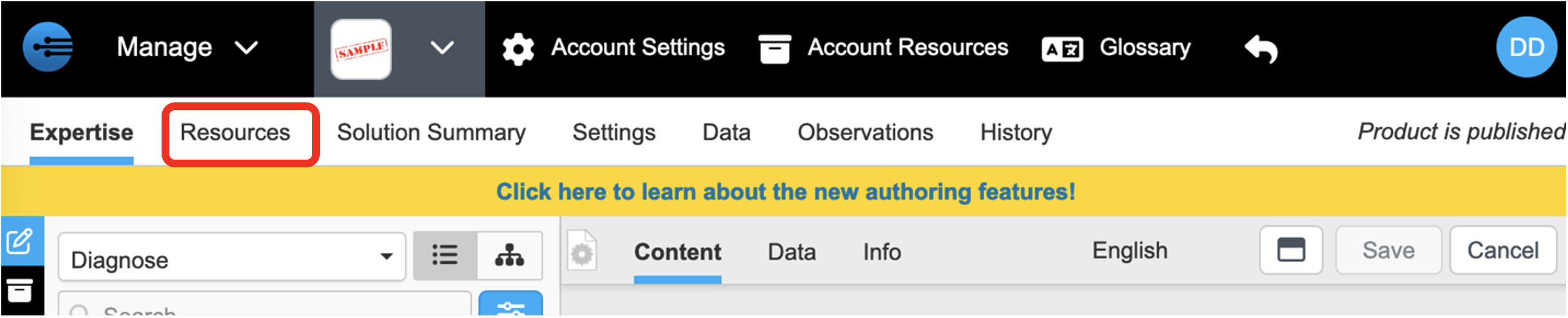
- Once in the copilots portal, select ‘Resources”
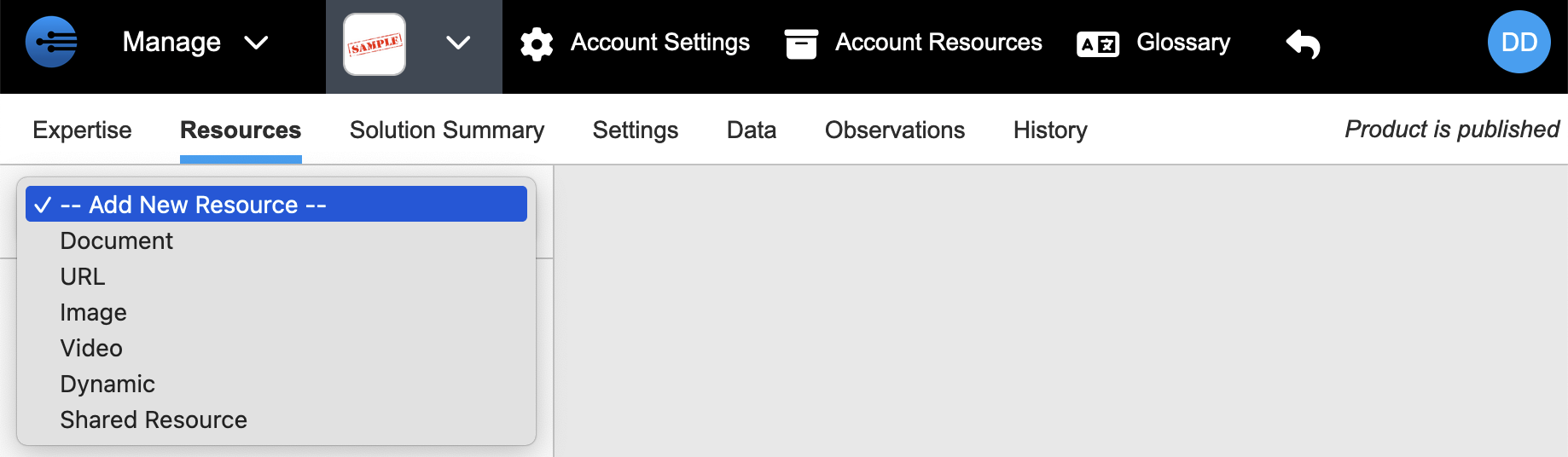
- On the Resources tab, select the drop-down arrow to choose the type of resource you want to add

- Choose from the multiple types of resources that can be added to your copilot