Task History
Similar to asset history, the execution history of a product’s tasks can also be accessed. As previously noted, an asset represents a real-world instance of a product; therefore, viewing the product aggregates historical data from all assets created from it. By default, the History tab displays all tasks. To review the history of a specific task, use the drop-down menu located in the upper-left corner of the History tab to make a selection of a specific task.
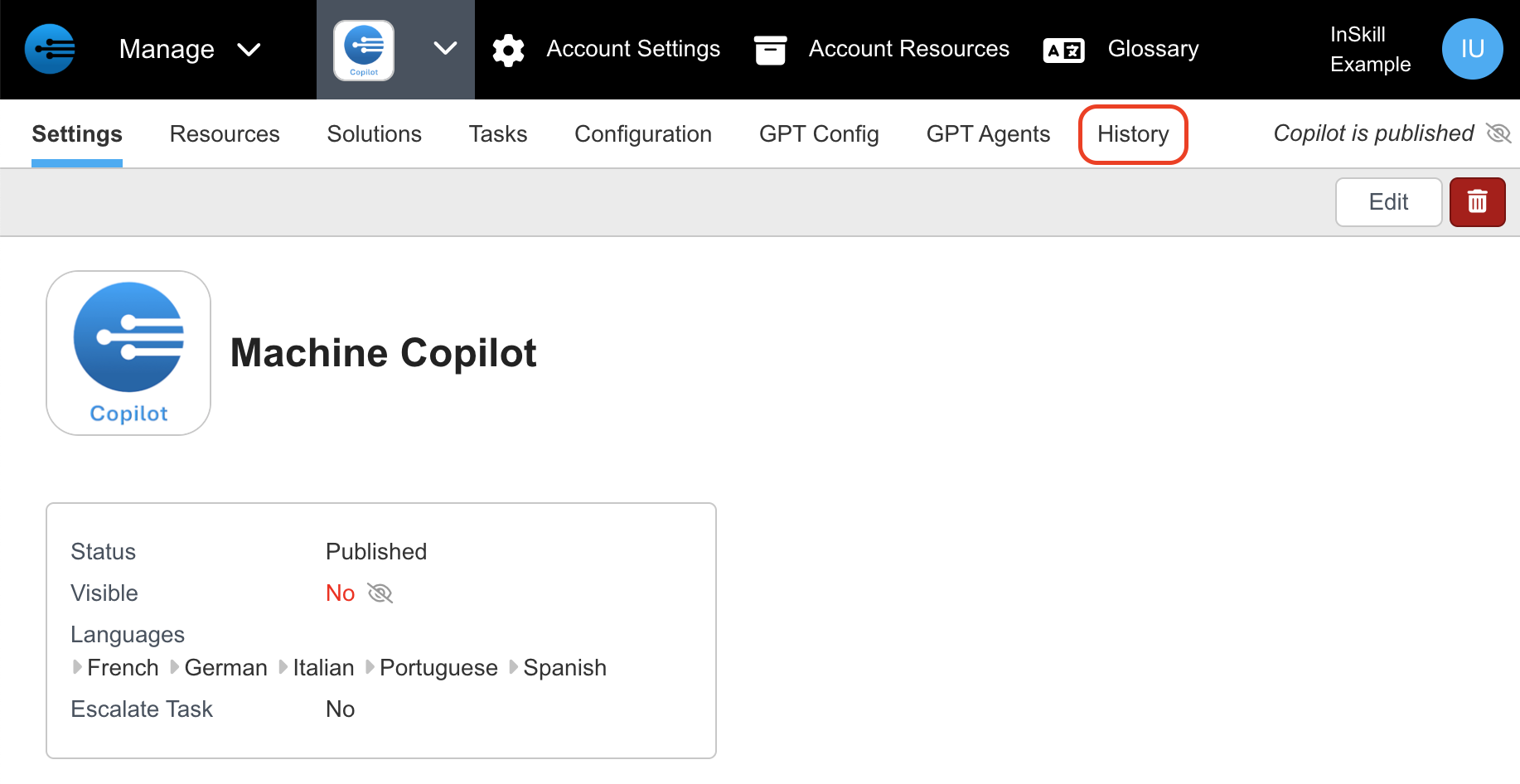
- Beginning at the Manage Portal, select the product whose history you want to look at. From here select the History tab.
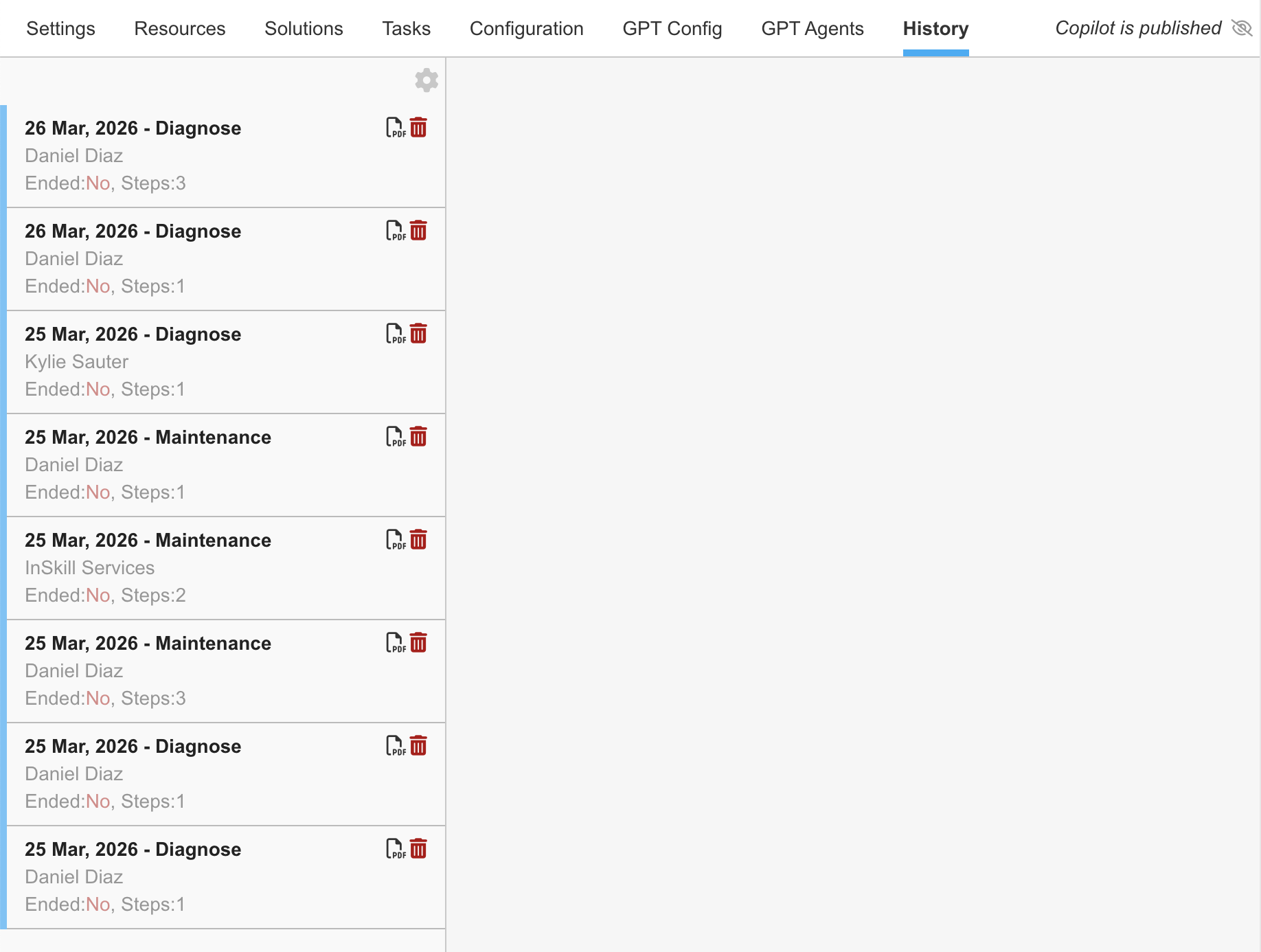
- At this point, you will see a list of different sessions initiated for this product. Select the session you want to know more about
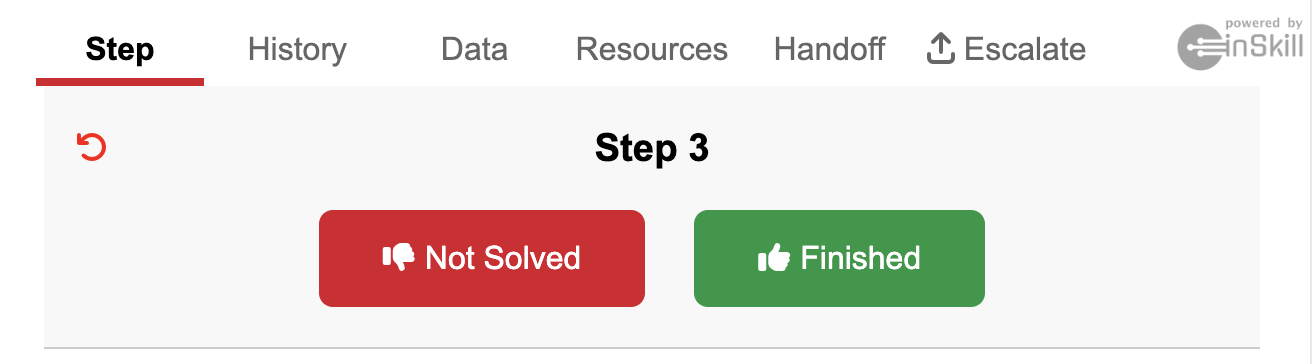
- At this point, InSkill will go step by step from which you can extract the History, Data, Resources, Handoff, and Escalate( If applicable)
- If you want to view the data in a report, please select PDF on one of the sessions
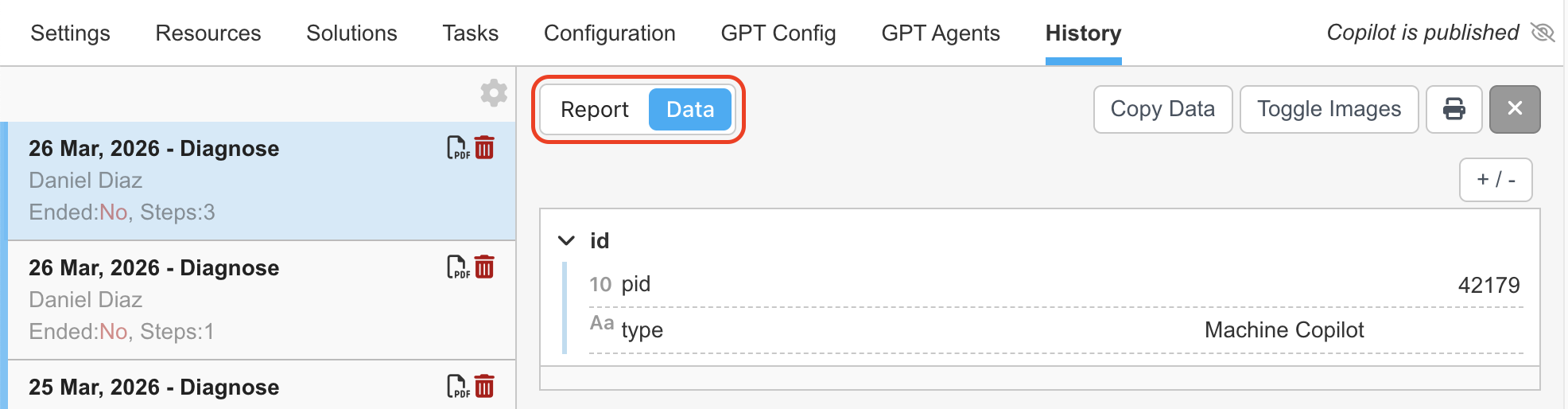
- At this point you can toggle between Report & Data (similar to Asset History). Selecting Report will show you a similar Report as seen in Asset History
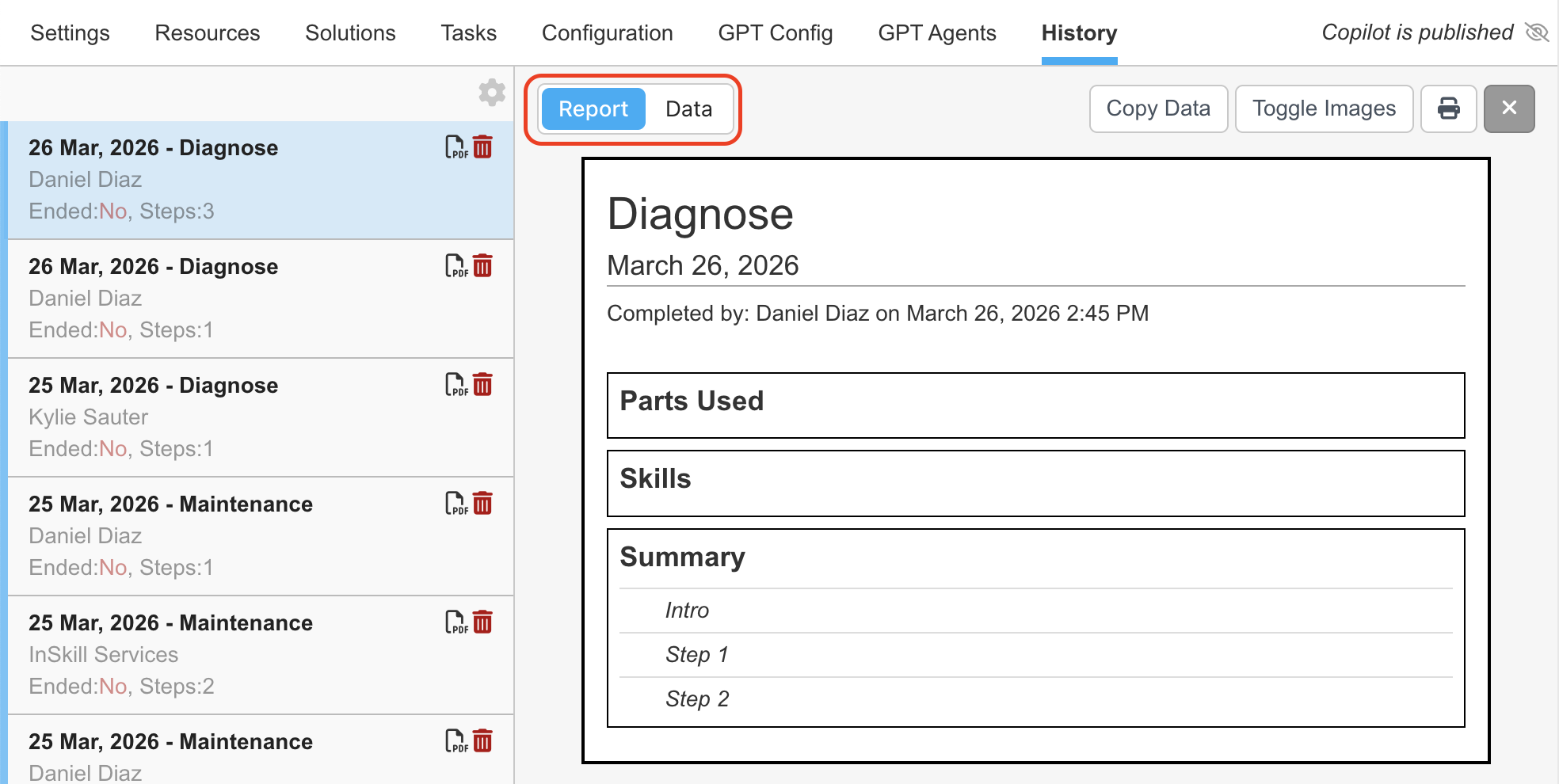
- Selecting Data will provide you with a more detailed look into the session