
Using 'Ask InSkill' Get Help
Ask InSkill is the in-portal assistant that answers questions about the platform itself.
Ask InSkill is a chat assistant built into the portal that helps you navigate the platform. Open it with the InSkill logo in the bottom-right corner of the screen, from anywhere in the portal. It searches the InSkill documentation and gives an AI-generated answer about InSkill.

Ask InSkill (Bottom Right of Screen)
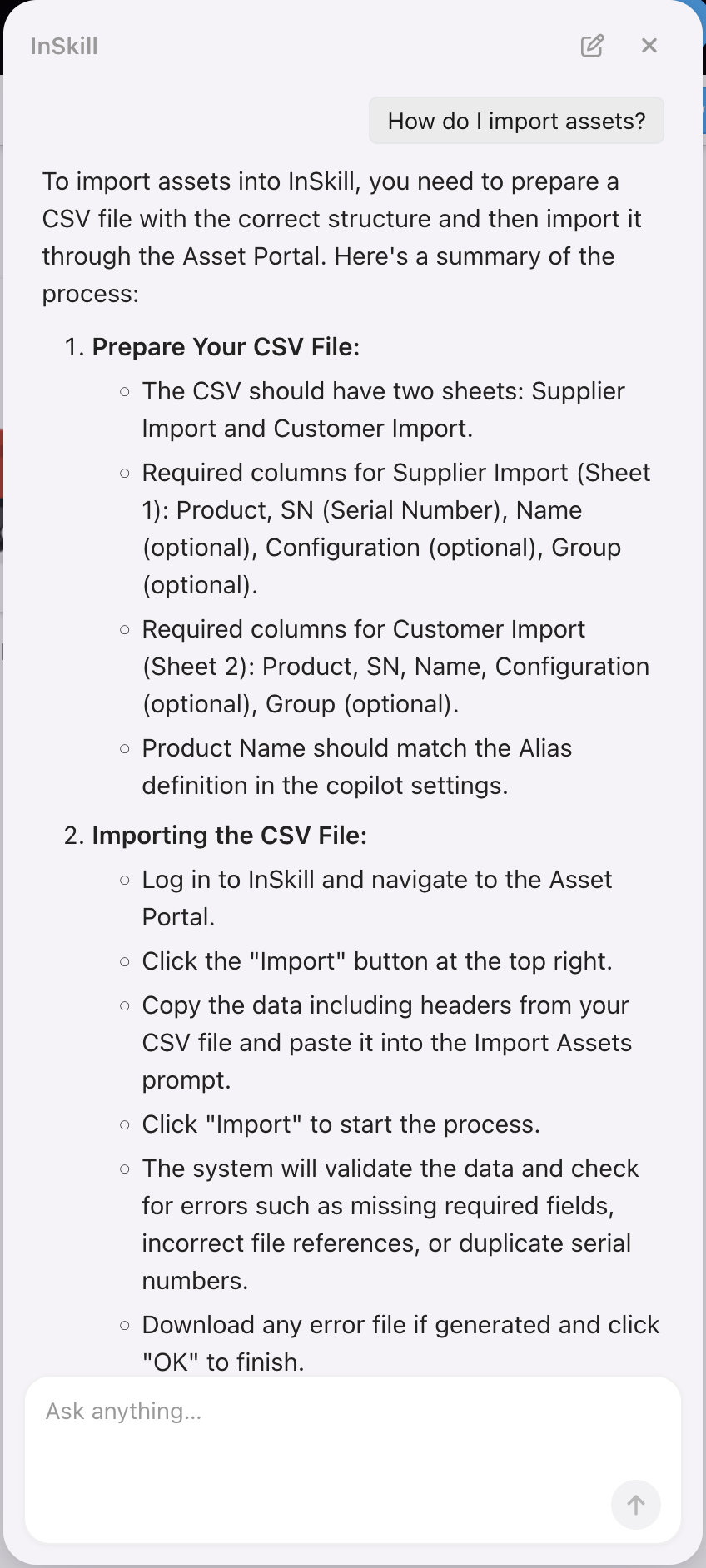
Ask a Question About InSkill
NoteAsk InSkill answers questions about the portal itself: buttons, menus, and workflows. It does not have access to machine manuals or resources. For questions about a specific machine, use that machine's InSkill GPT copilot.
What It Can Help With
- Platform questions: answers about features, tools, and functionality.
- Contextual help: the assistant knows what is on your screen and tailors its guidance to it.
- Task walkthroughs: step-by-step help with jobs like managing copilots or updating account settings.
- Feature clarification: ask about any button, menu, or process you do not recognize.
- Workflow tips: best practices for working in InSkill more effectively.
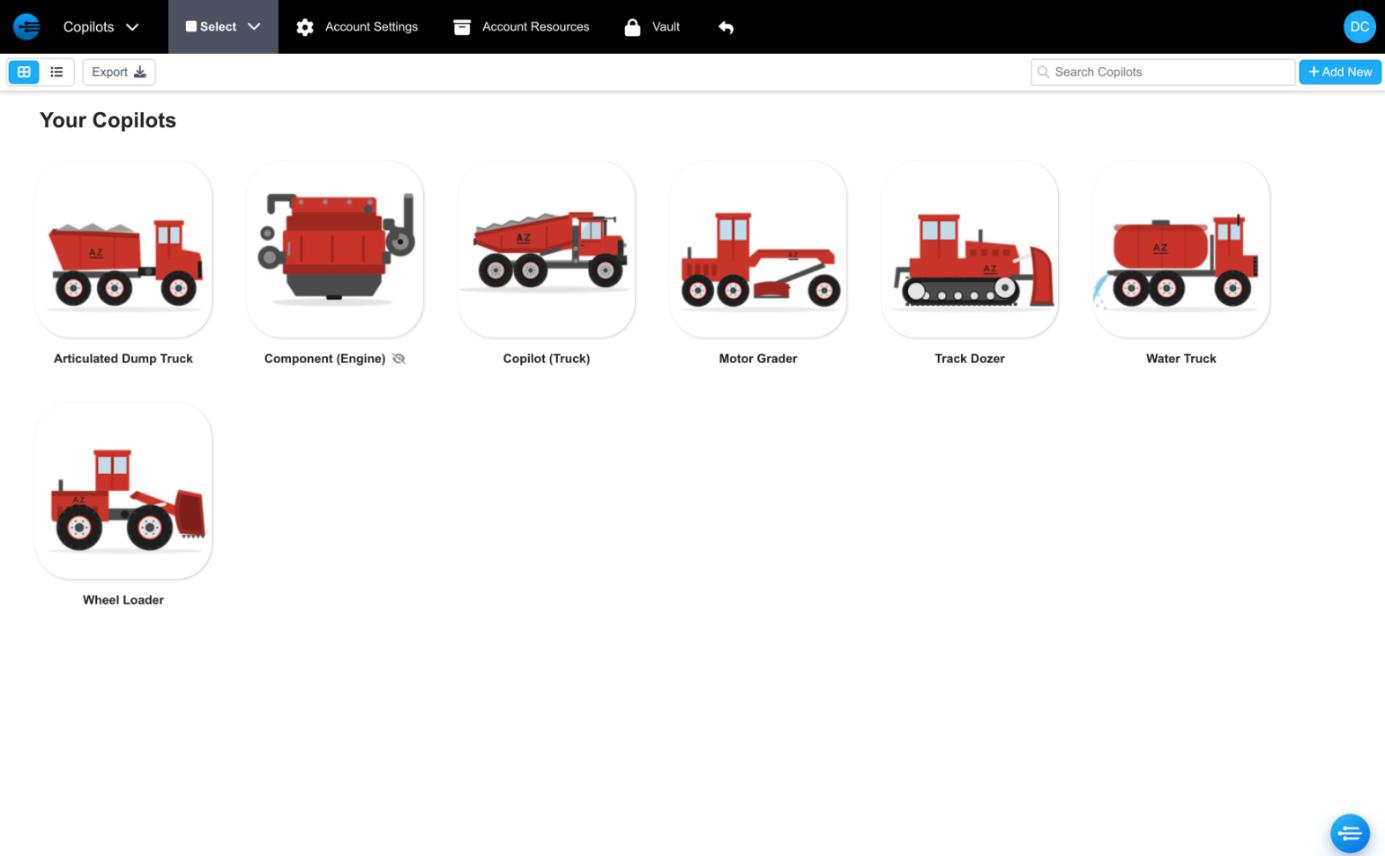
The Ask InSkill button in the bottom-right corner of the Copilots portal
Updated about 2 hours ago