
Viewing Configuration
Assets only — the identity of one specific machine and the variables that shape its answers and its resource set.
Configuration appears on an asset copilot only. It shows the identity of that specific unit: its location and account, the copilot it is built on, its serial number, and its id.
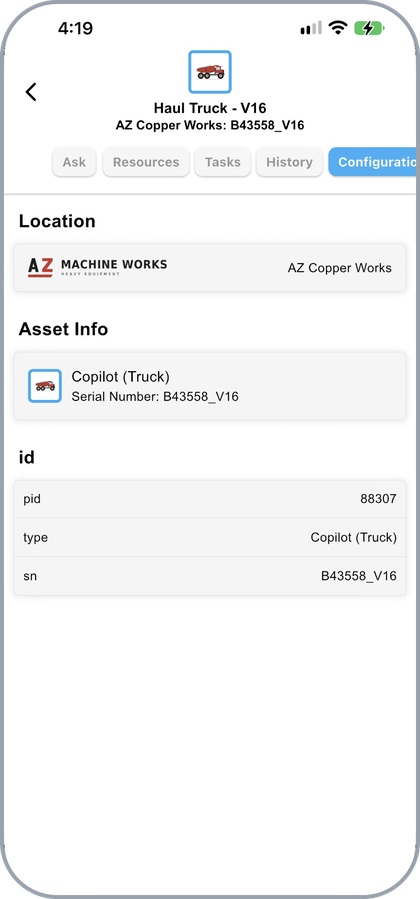
An asset's Configuration tab
Scrolling to the end shows the asset's id values.
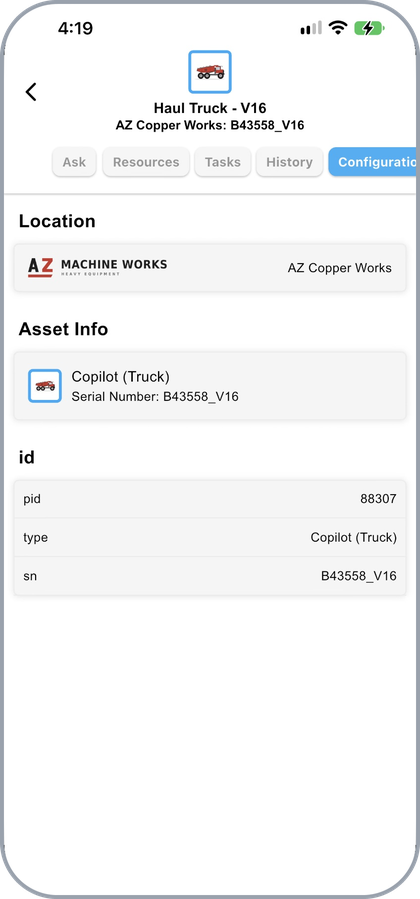
The asset's id values, at the end of the tab
Why It Matters
This tab is not just a label. The variables recorded against the machine — the ones defined in the data dictionary — are what make an asset copilot specific:
- They filter the resource set, so Resources lists the documents for this unit rather than the whole line.
- They shape the answers, so Asking Questions returns the instruction that fits this machine where documentation carries several versions.
- They pre-fill task steps, so fields marked from Asset are confirmed rather than typed. See Running a Task.
While a task is running, the same variables are listed on its Data tab alongside the values being collected.
For how assets are set up in the portal, see Asset Configuration and Creating an Asset.
Updated about 4 hours ago