
Downloading the InSkill App
Search for InSkill in the App Store or Google Play, download the app, and open it.
The InSkill app is free to download for iOS and Android. Follow these steps to install it:
-
Open the App Store on iOS, or the Google Play Store on Android.
-
Enter
InSkillin the search bar. The InSkill app appears in the results, published by InSkill Inc. -
Press the download icon beside the InSkill app.
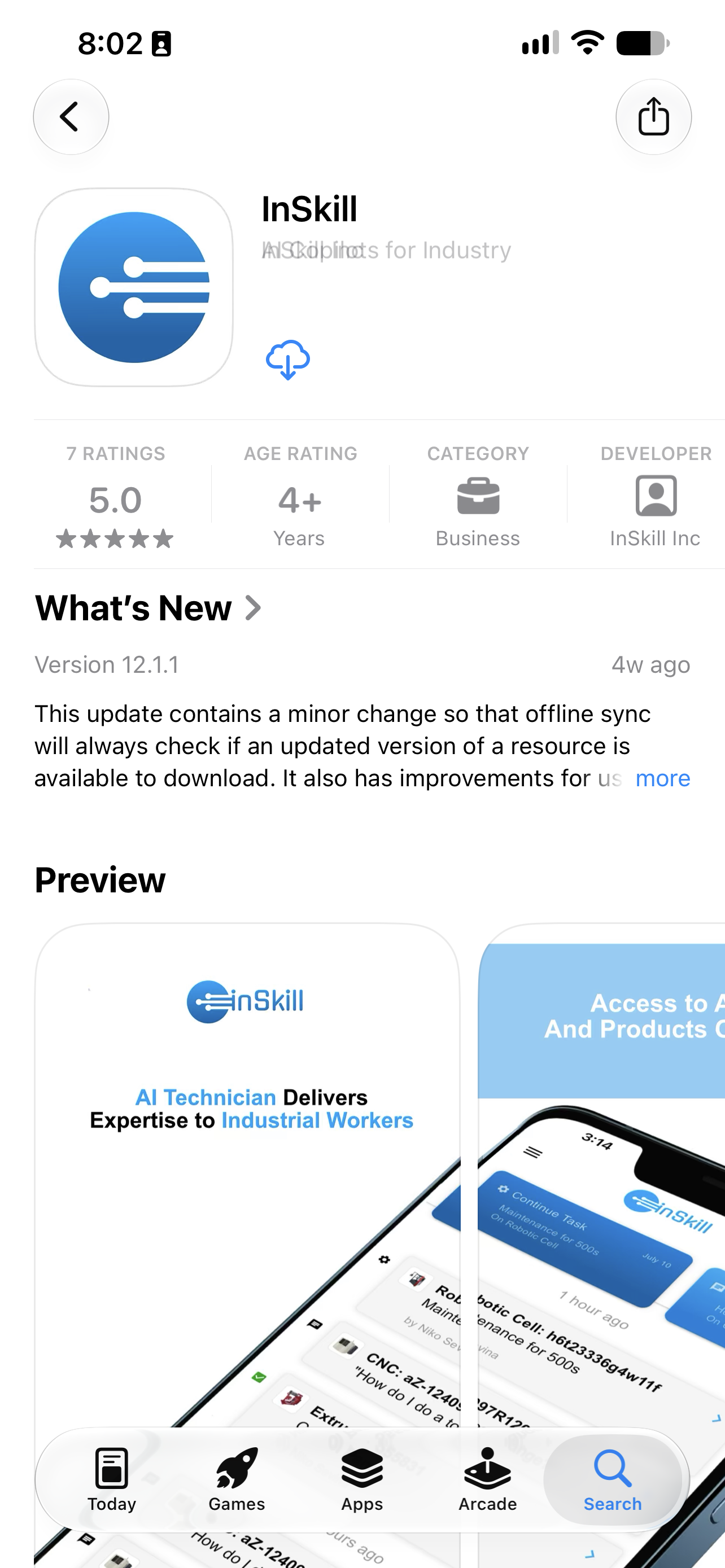
The InSkill app in the App Store, ready to download
-
Once the download is complete, press Open.
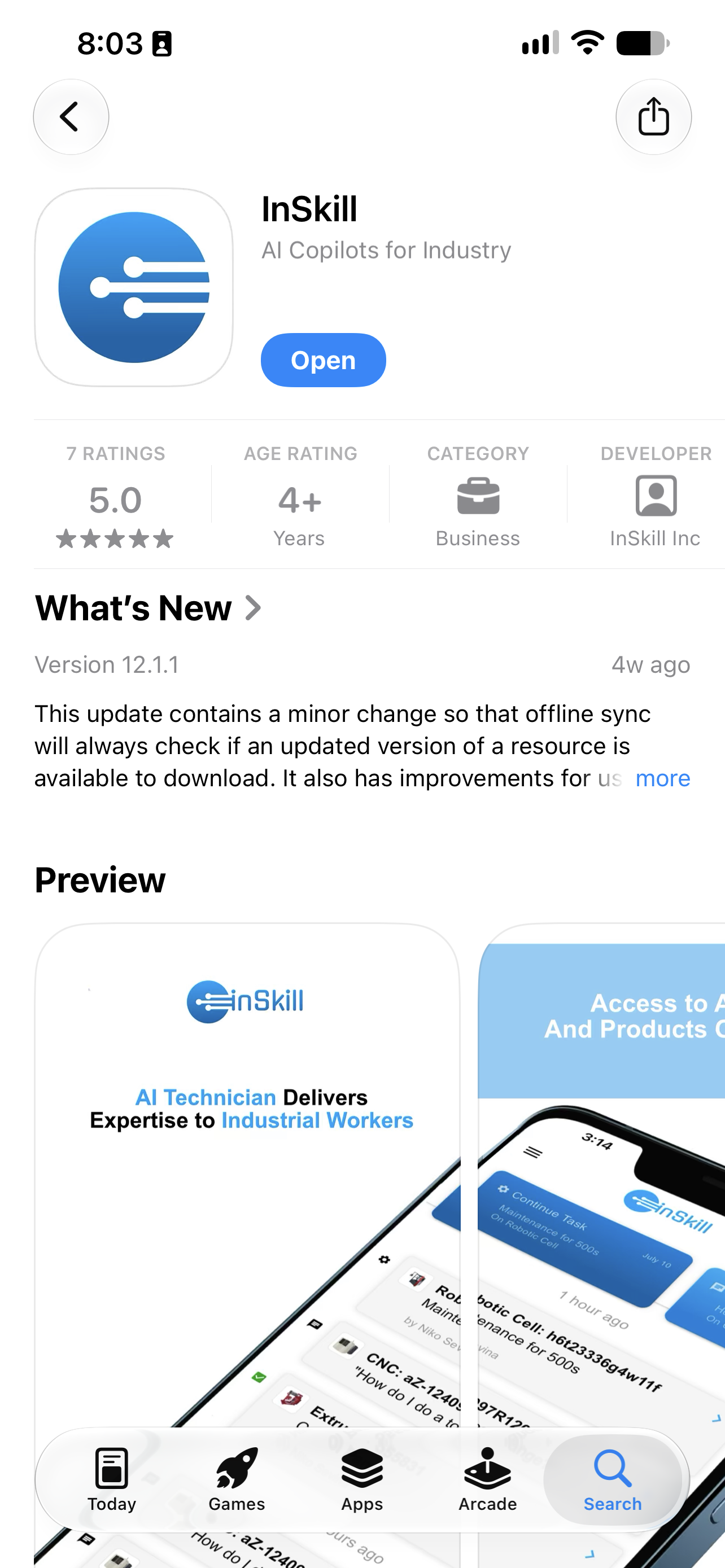
The Open button after the download finishes
The invitation email also carries store links, so you can install from there instead — see Authorizing the InSkill App.
You can also install from these links directly:
- iOS: InSkill on the Apple App Store
- Android: InSkill on Google Play
You are now ready to authorize your app.
Updated about 4 hours ago