
Hands-Free Operation
Ask InSkill GPT by voice in the app, hear the answer read aloud, and open the references behind it.
When a Technician's hands are busy — or gloved — the InSkill app can run a GPT conversation entirely by voice: ask aloud, confirm by voice, and hear the answer read back.
To start hands-free mode, open a copilot and tap the hands-free icon at the top right of the Ask screen.
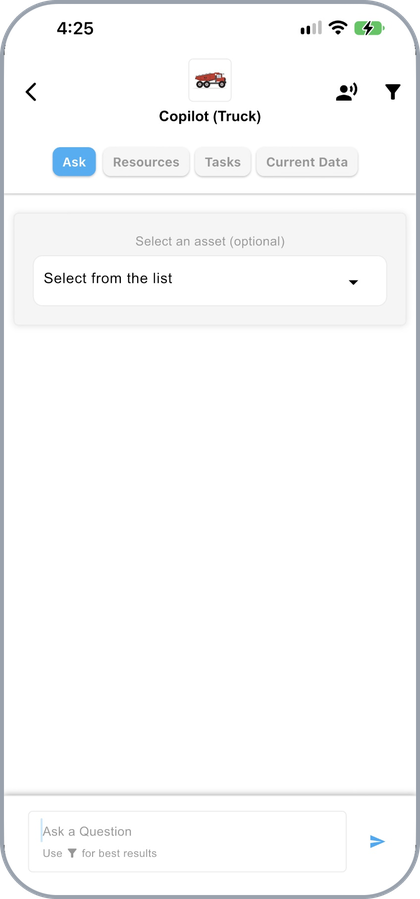
The hands-free icon at the top right of the Ask screen
The first time you use hands-free mode, the device asks for permission to use speech recognition. Press Allow.
Asking
Hands-free opens on Ask InSkill GPT and listens. The ring around the mark pulses while it hears you.
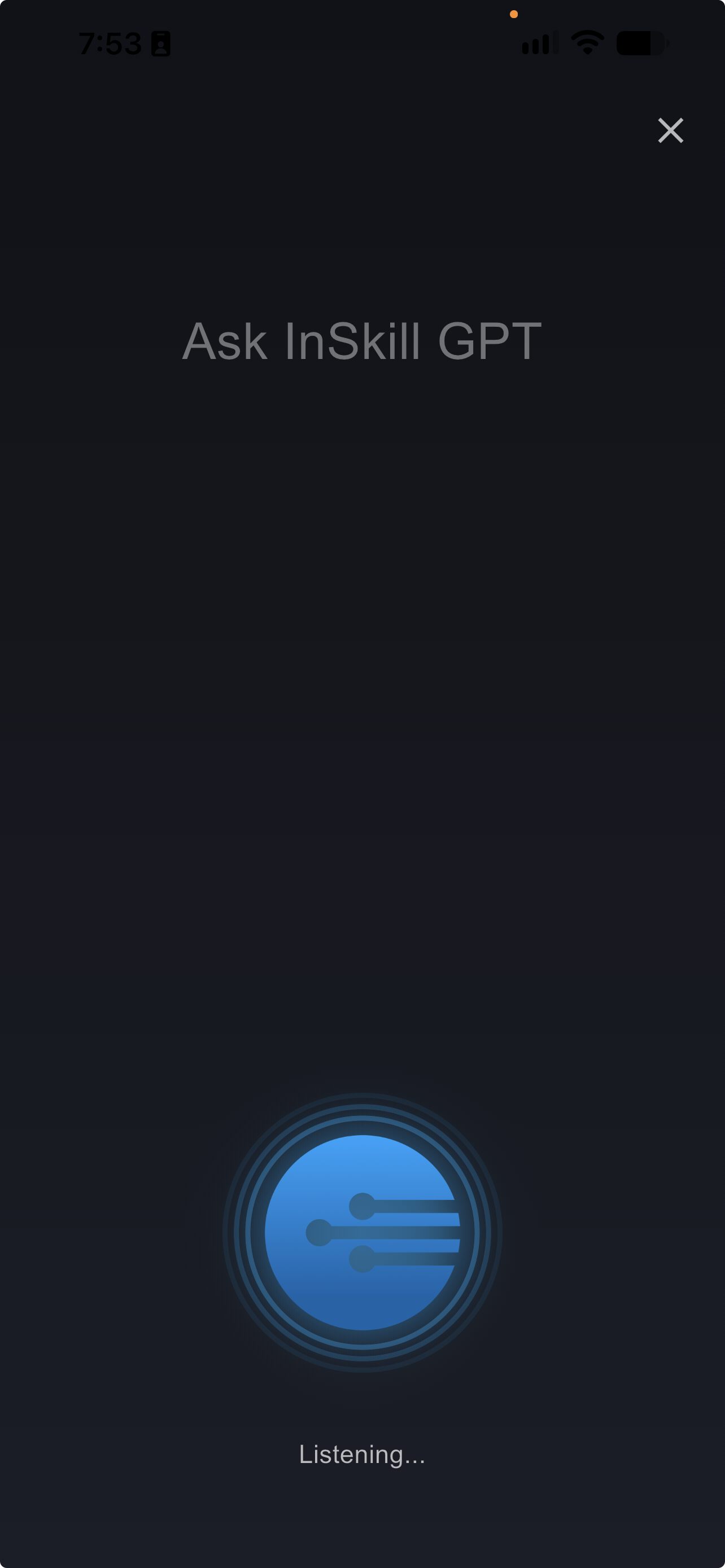
Hands-free mode listening for a question
Speak your question. The app shows the transcription and waits for confirmation — say "send" to ask, or "no" to redo. The Redo and Send buttons work as a fallback.
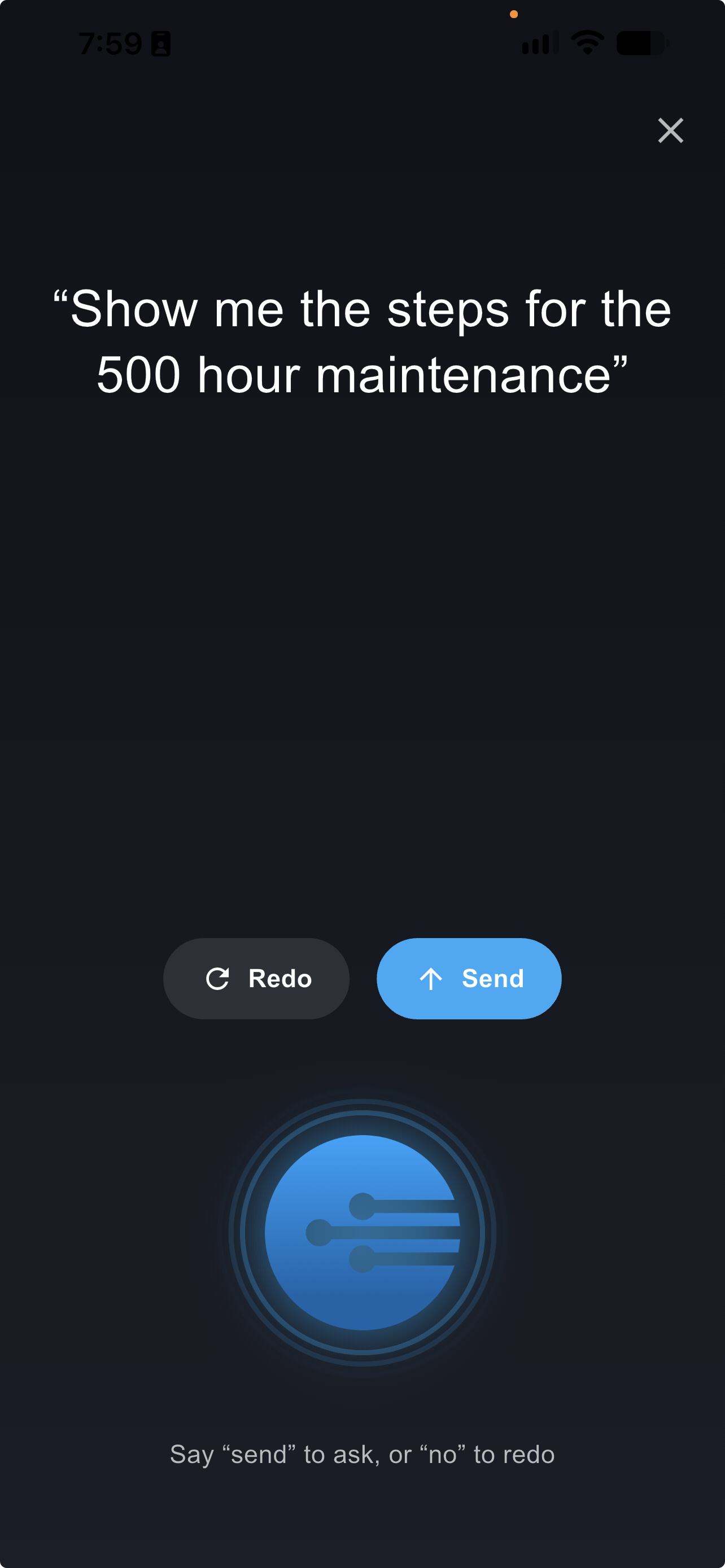
A transcribed question waiting for confirmation
Hearing the Answer
The answer is read aloud and scrolls on screen as it is spoken, with the word being read picked out in white. The ring turns green while InSkill is speaking.
The controls below it set the reading speed, pause, or stop. Tap X to leave hands-free mode and return to the chat, where the full answer and its references remain.
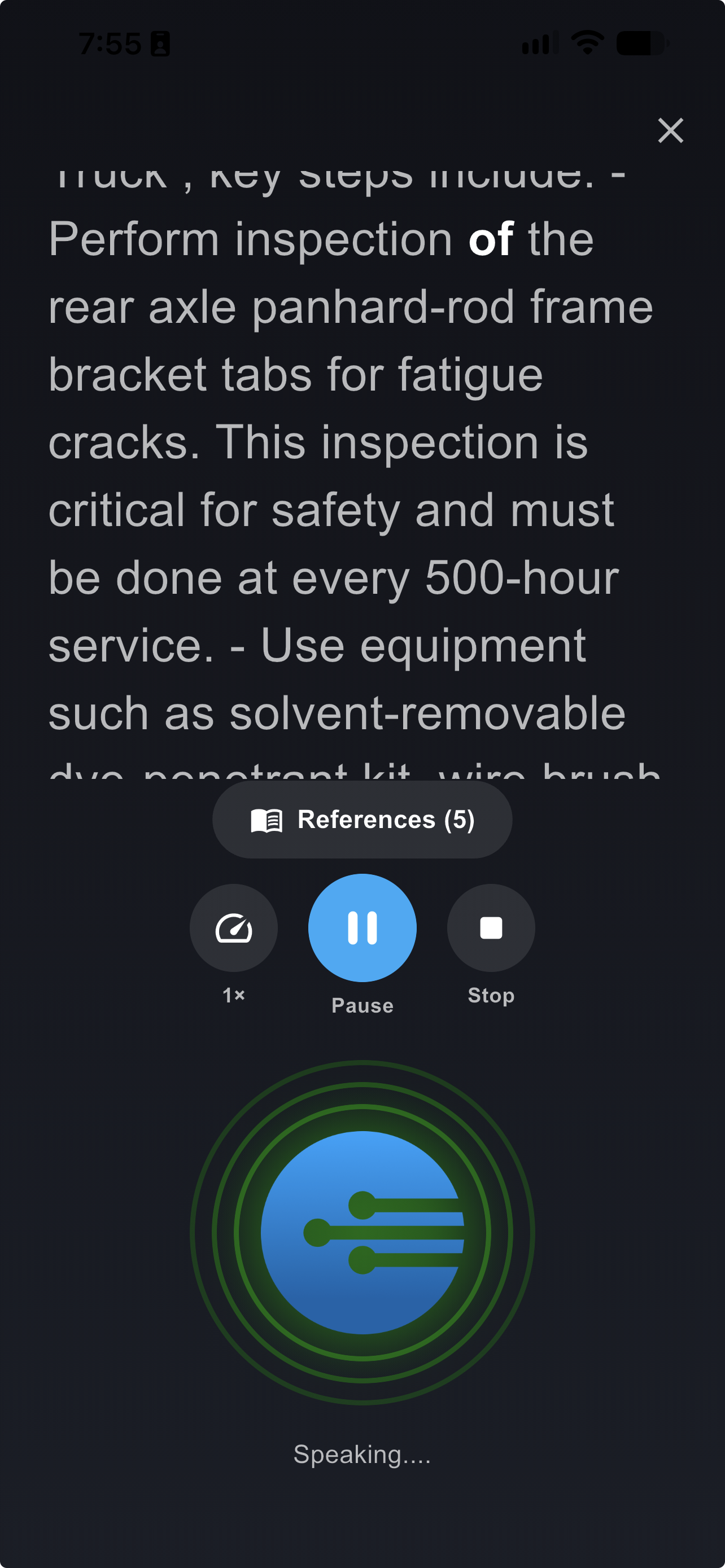
An answer being read aloud
Checking the References
The References pill shows how many sources are behind the answer. Tap it to open them without leaving hands-free mode: the tasks the answer drew on, then the resources with their page numbers, and MORE for the rest.
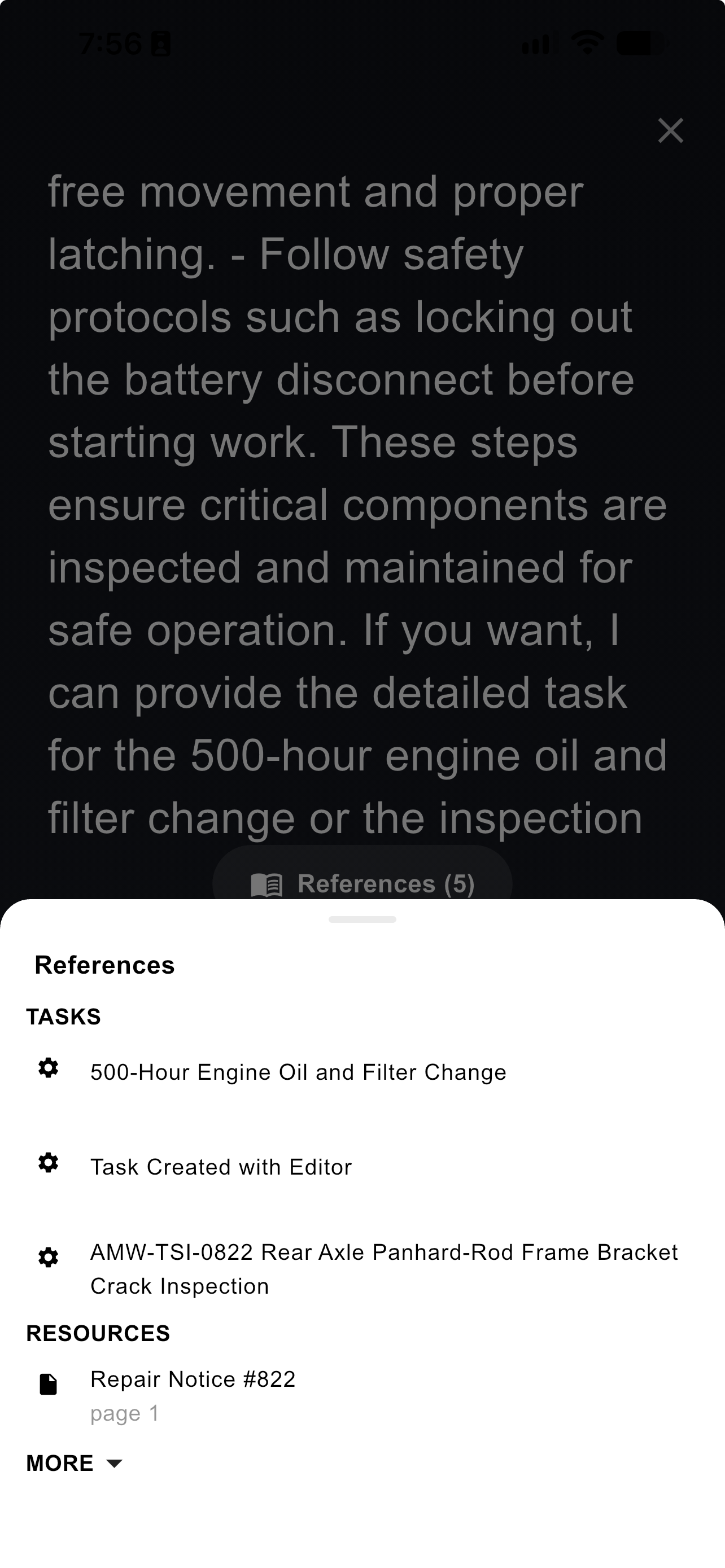
The references behind a spoken answer
TipThe reference list is how you verify a spoken answer against the documentation. A spoken answer carries the same sources as a typed one — see Asking Questions.
Updated about 4 hours ago