
Accept Handoff
Take over a task another Technician handed to you by entering their handoff code.
A handoff passes a job from one Technician to another — across a shift change, or when the work needs someone else. The Technician handing it over generates a code; you enter that code here to pick the job up.
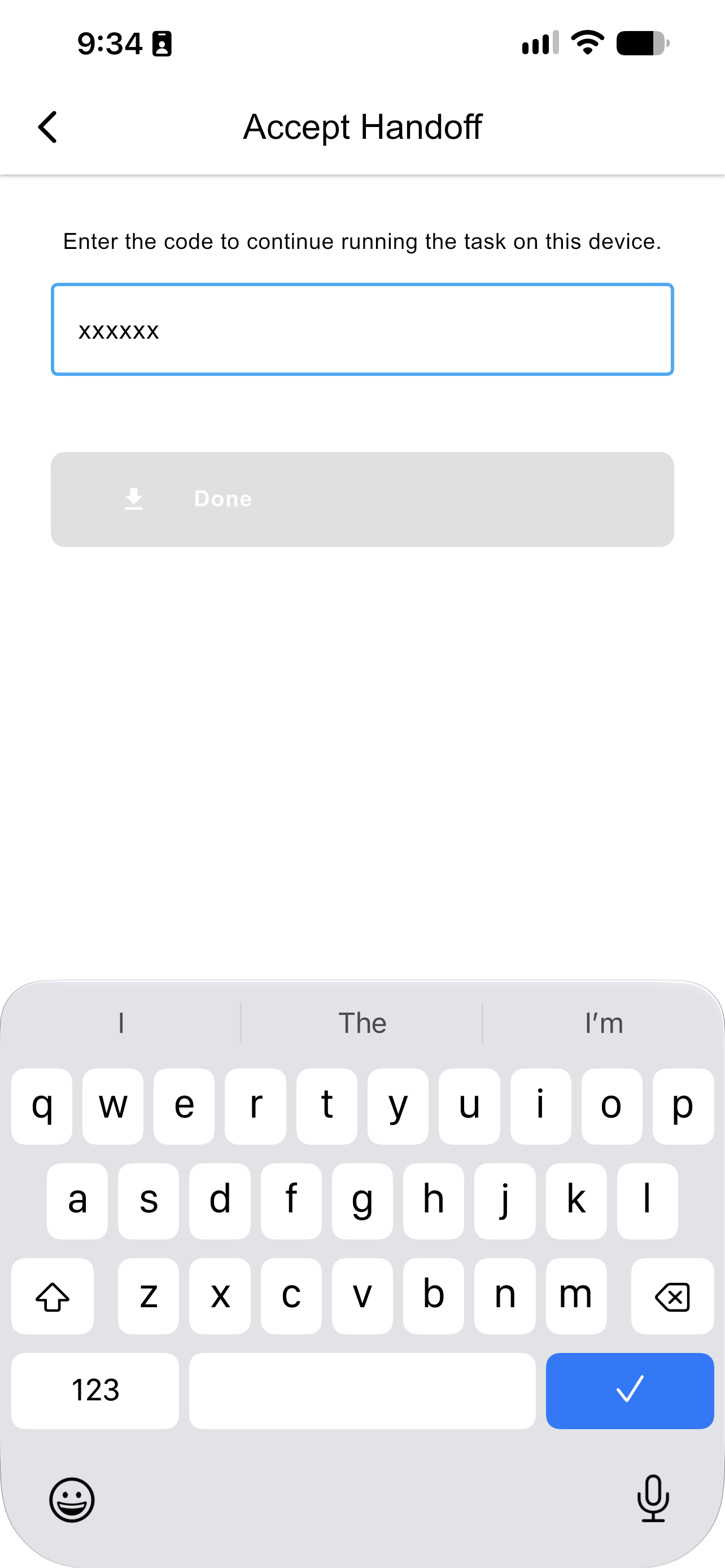
The Accept Handoff screen
- Open Accept Handoff from the app menu.
- Enter the code you were given.
- Press Done.
The session transfers with everything already done on it. The task resumes at the step where the other Technician left off, with their inputs, photos, and completed steps intact — you do not restart the procedure or re-read the history.
NoteA handoff code is single use and expires after two days. If a code no longer works, ask for a new one. You must also be authenticated on the same account to accept the session.
For the other side of this — generating a code and sharing it — see Escalate. A handed-off session can also be accepted in the browser rather than the app.
Updated about 4 hours ago