
Settings
Your accounts, the app language, and the Periscope toggle.
Settings holds three things: the accounts you belong to, the language the app runs in, and the Periscope toggle.
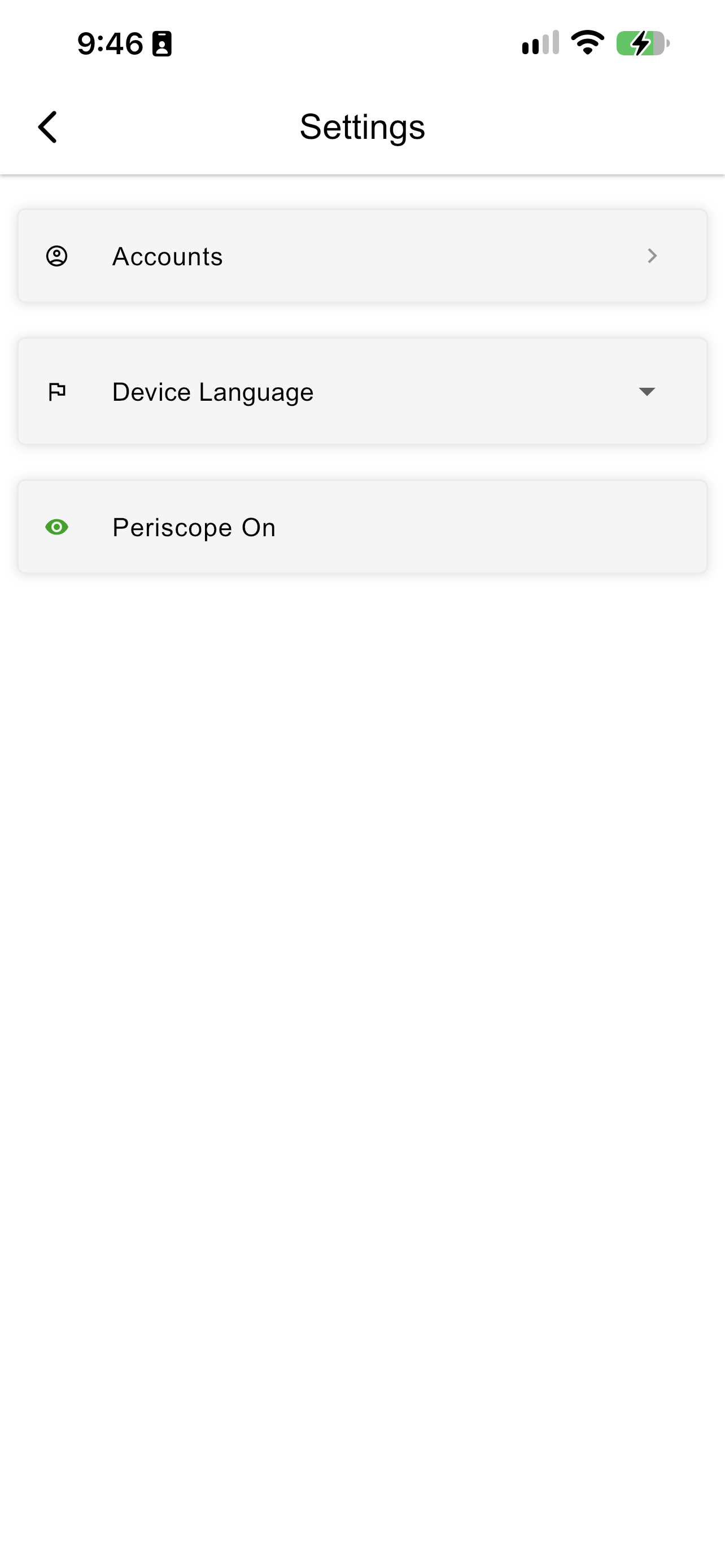
The Settings screen
Accounts
Accounts shows who you are signed in as — your group, role, and account — and the copilots available to you. From here you can join another account or sign out.
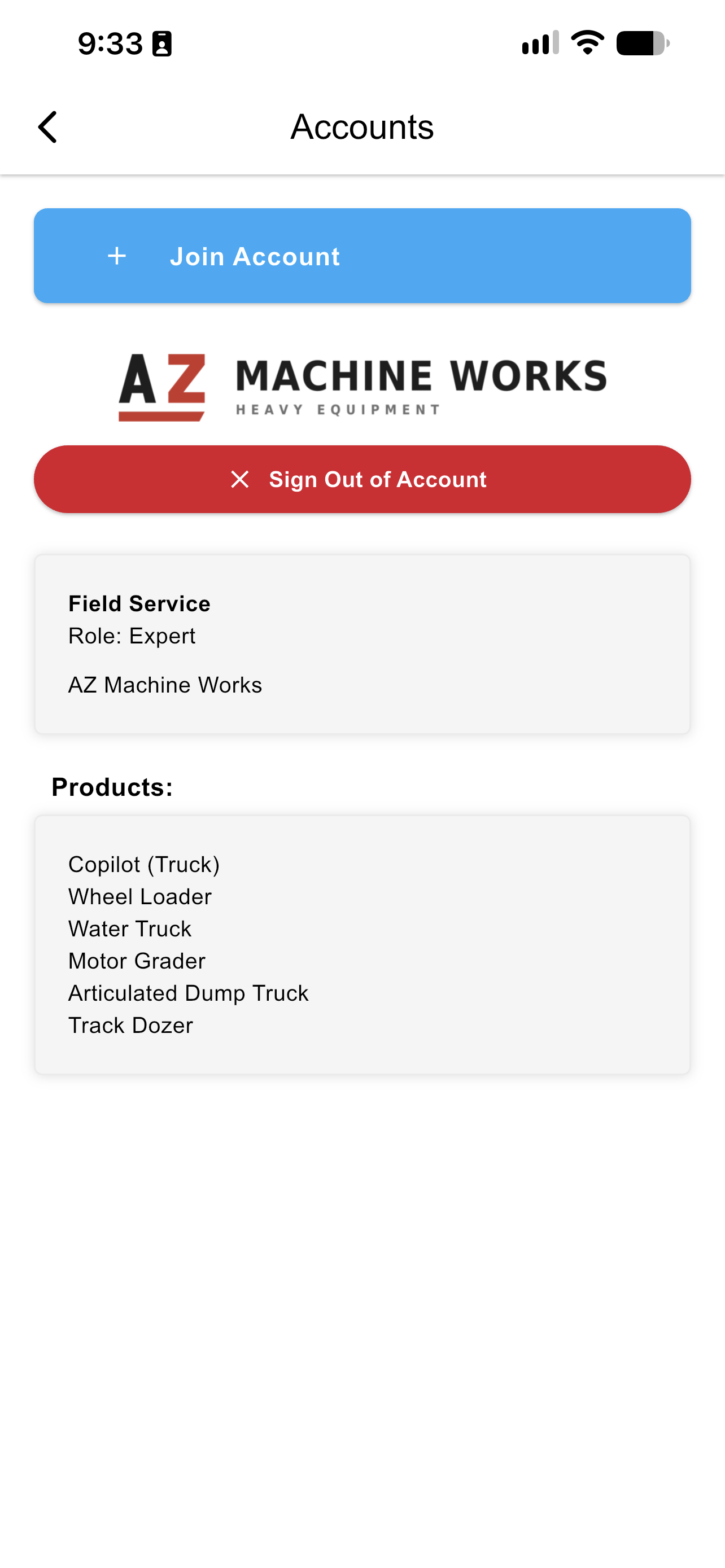
The Accounts screen
Join Account gives every route to joining on one screen — scan a QR code, sign in with SSO, or enter a user code. See Authorizing the InSkill App.
Device Language
Device Language sets the language the app runs in. By default it follows the device's own language setting automatically, so a Technician whose phone is set to French gets the app in French without doing anything. To use a different language, open the list and pick one.
The choice applies across menus, content, and InSkill GPT interactions. Even where the full interface is not available in your language, InSkill GPT can still respond in it.
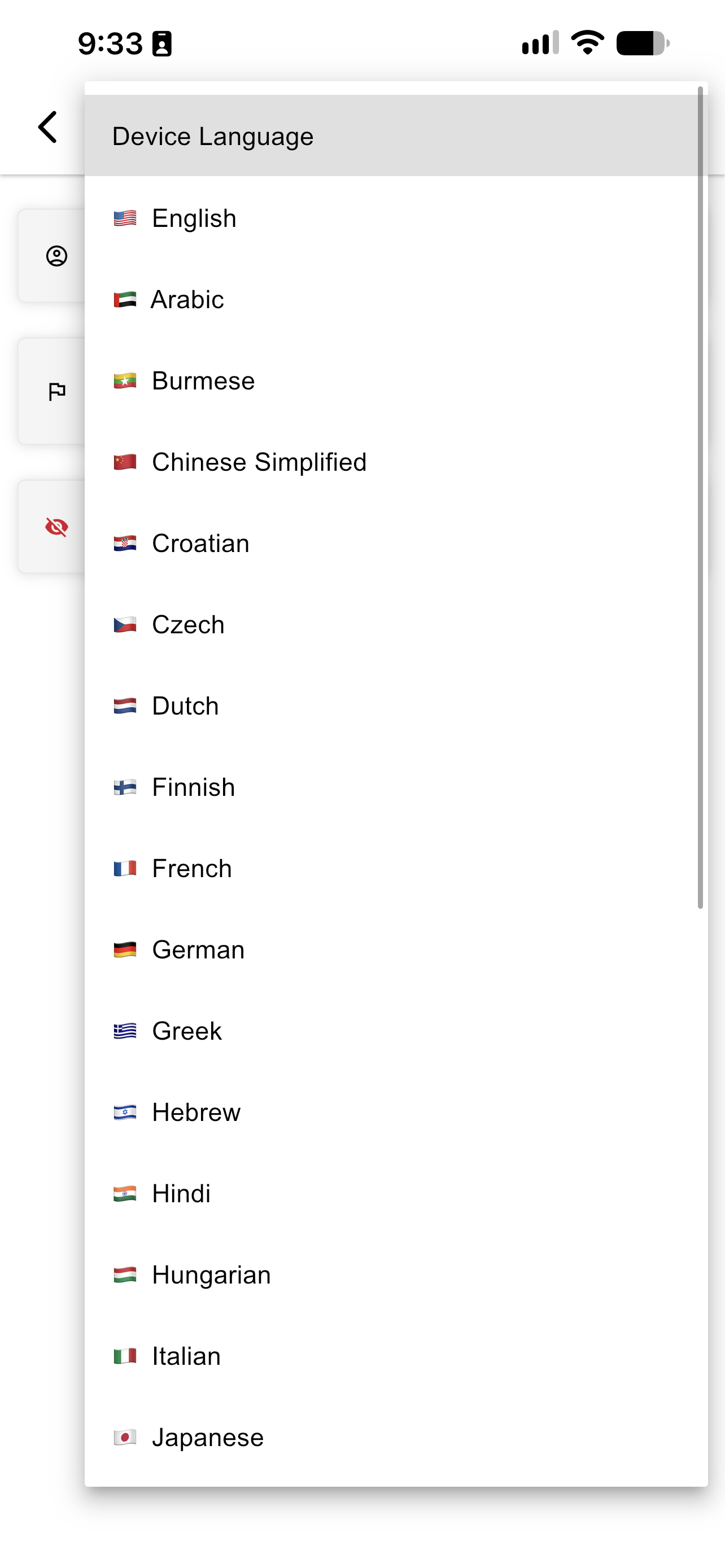
The Device Language list
For the full list of what is translated, see Languages.
Periscope
The Periscope toggle switches a task between the normal step-by-step walkthrough and an outline of the whole procedure you can jump around in.
The row shows the current state. Tap it to switch.
| State | How it looks |
|---|---|
| Periscope On | A green eye |
| Periscope Off | A red crossed-out eye |
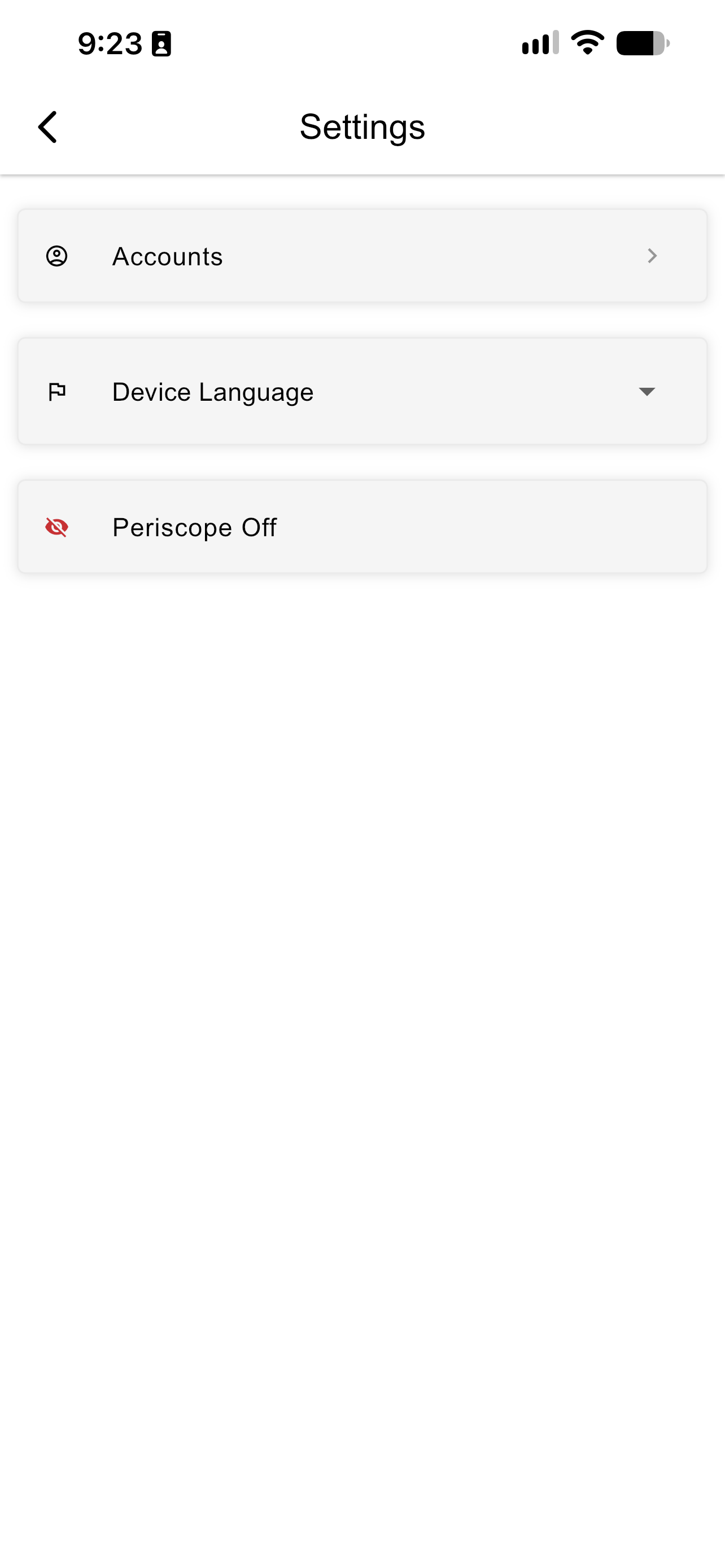
Periscope turned off
See Periscope Mode for what the outline view does and when to use it.
Updated about 4 hours ago