
App Menu
Everything behind the three bars: settings, about, accepting a handoff, offline sync, and your account's own documents.
The app menu opens with the three bars at the top left of the home screen. It holds four items, and below them the documents published to your account as a whole.
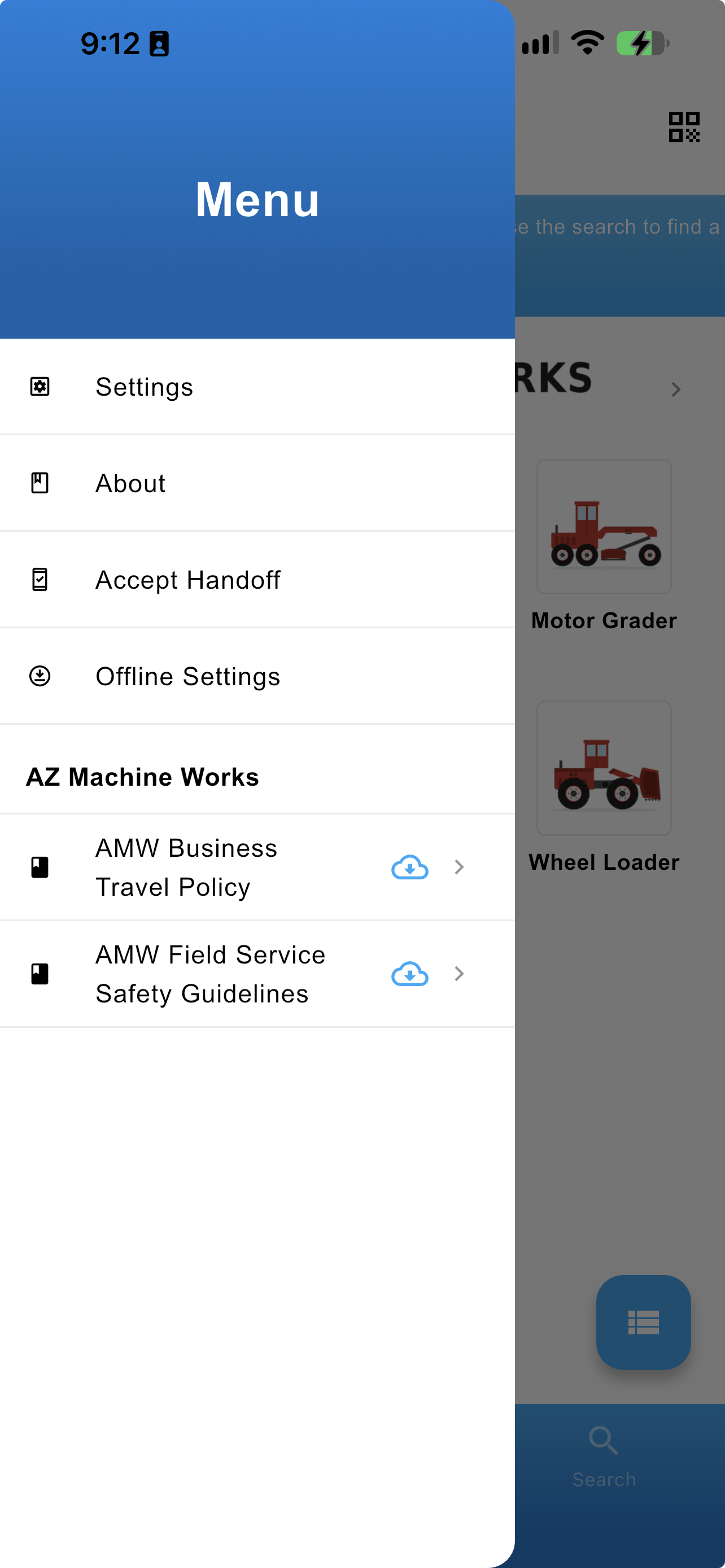
The app menu, with the account's own resources below
| Item | What it covers |
|---|---|
| Settings | Your accounts, the app language, and the Periscope toggle |
| About | The app version, Learn More, Contact Us, and the disclaimer |
| Accept Handoff | Taking over a task another Technician handed to you |
| Offline Settings | Choosing what syncs to the device, running the sync, and managing what is already there |
| Account Resources | Policies, safety guidelines, and other documents that apply across every machine |
Updated about 4 hours ago