
Viewing Account Resources
Policies, safety guidelines, and other documents published to the whole account rather than to one machine.
Some documents apply to every machine a Technician works on rather than to one copilot — travel and expense policies, field service safety guidelines, handbooks, and the like. These are published to the account as a whole, and the app lists them below the four menu items, under your account's name.
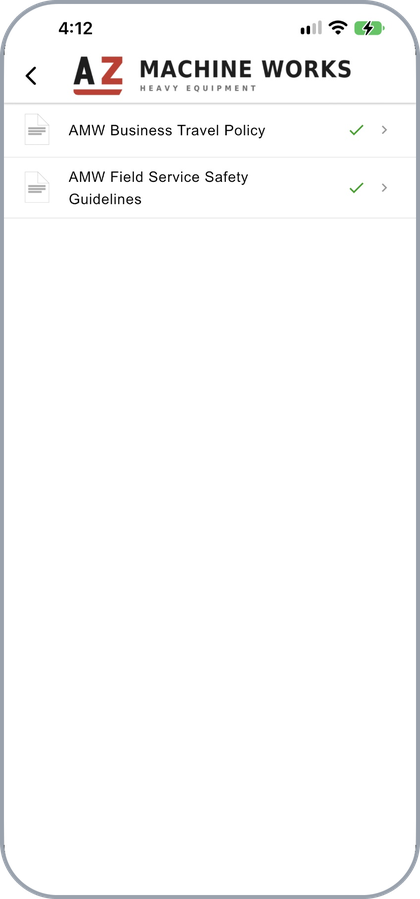
Documents published to the whole account
Tap a document to open it in the viewer, or tap the cloud control beside it to download a copy to the device. They behave like any other resource once open — see Viewing Resources.
Two Ways In
| Route | Where |
|---|---|
| The app menu | Below Settings, About, Accept Handoff, and Offline Settings, under the account name |
| The account logo | At the top of the Asset Page, tap the logo |
Both open the same set.
To publish documents to an account, see Account Resources.
Updated about 4 hours ago